CP-2116E
Remote Control Panel
Revision 1.2 Page - 51
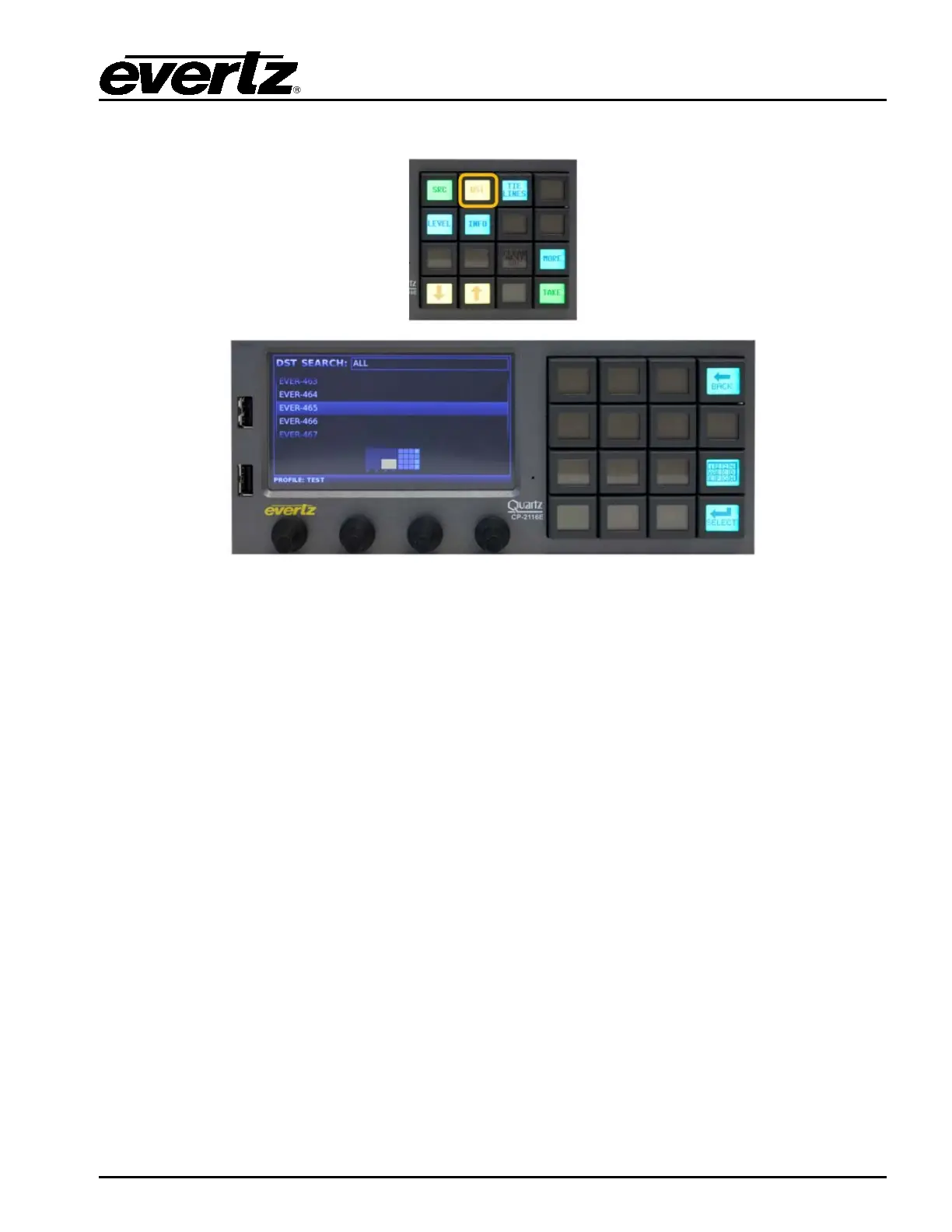
7.2. DESTINATION (DST) BUTTON
Figure 7-4: DST Layout
DST button when pushed will display a list of available destinations in the display screen. The left shaft
encoder is used to navigate through the destination list. When the required destination is highlighted,
the Select button is used to confirm the choice and return the user to Quad Destination view. The
selected destination will be automatically selected in the Quad Destination view. The quadrant view in
the bottom of the Left display will show the user where the destination will appear when returning to the
Quad Destination view. The Back button can be used to cancel the destination search and return to
the Quad Destination view.



 To Next Page