CP-2116E
Remote Control Panel
Page - 32 Revision 1.2
To import a device label, follow the instructions outlined below:
1. Select the Browse button and navigate to the appropriate .csv file and then select the Open
button.
2. Once the file name is displayed in the field next to the Browse button, select the Install button.
The panel must be restarted when a file is imported. Click the Restart Panel Software button in the
top right hand corner.
5.3.4. VistaLINK
®
Alarm Server
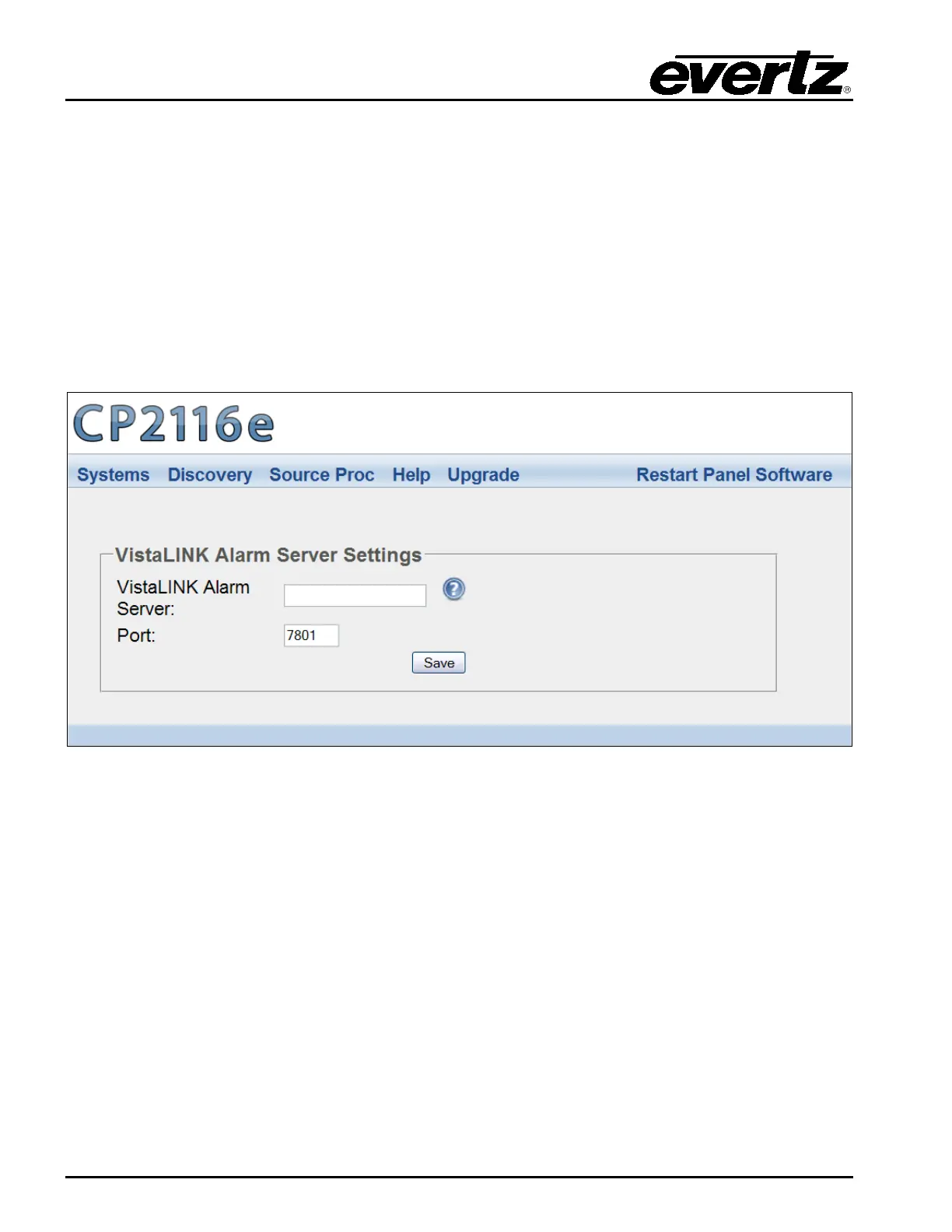
This page enables the user to configure the VistaLINK
®
Alarm Server settings.
Figure 5-20: VistaLINK
®
Alarm Server
VistaLINK
®
Alarm Server: This field enables the user to enter the VistaLINK
®
Alarm Server
network address.
Port: This field enables the user to enter the port number (the numerical input) to map to.
Select the Save button to save all settings.



 To Next Page