CP-2116E
Remote Control Panel
Revision 1.2 Page - 63
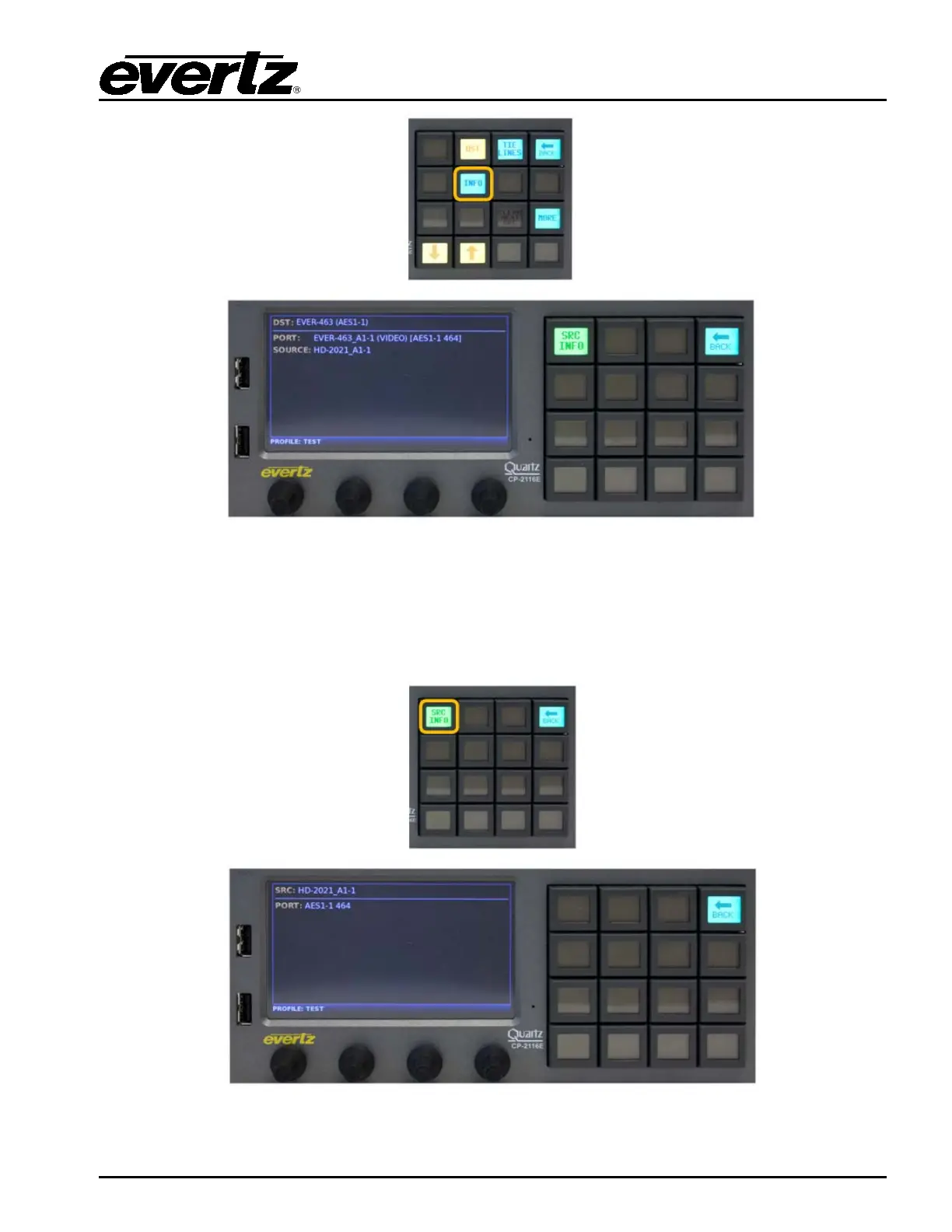
Figure 7-22: Selecting the “INFO” Button
The INFO button when selected will display information for the selected Destination, DST, Port,
Source, Lock/Protect Owner Information on the Left screen and Level, Source and Next Source
information on the Right Screen. The Back button can be used to return to the Quad Destination view.
Figure 7-23: Selecting the “SRC INFO” Button



 To Next Page