CP-2116E
Remote Control Panel
Revision 1.2 Page - 17
5.2. SYSTEMS MENU
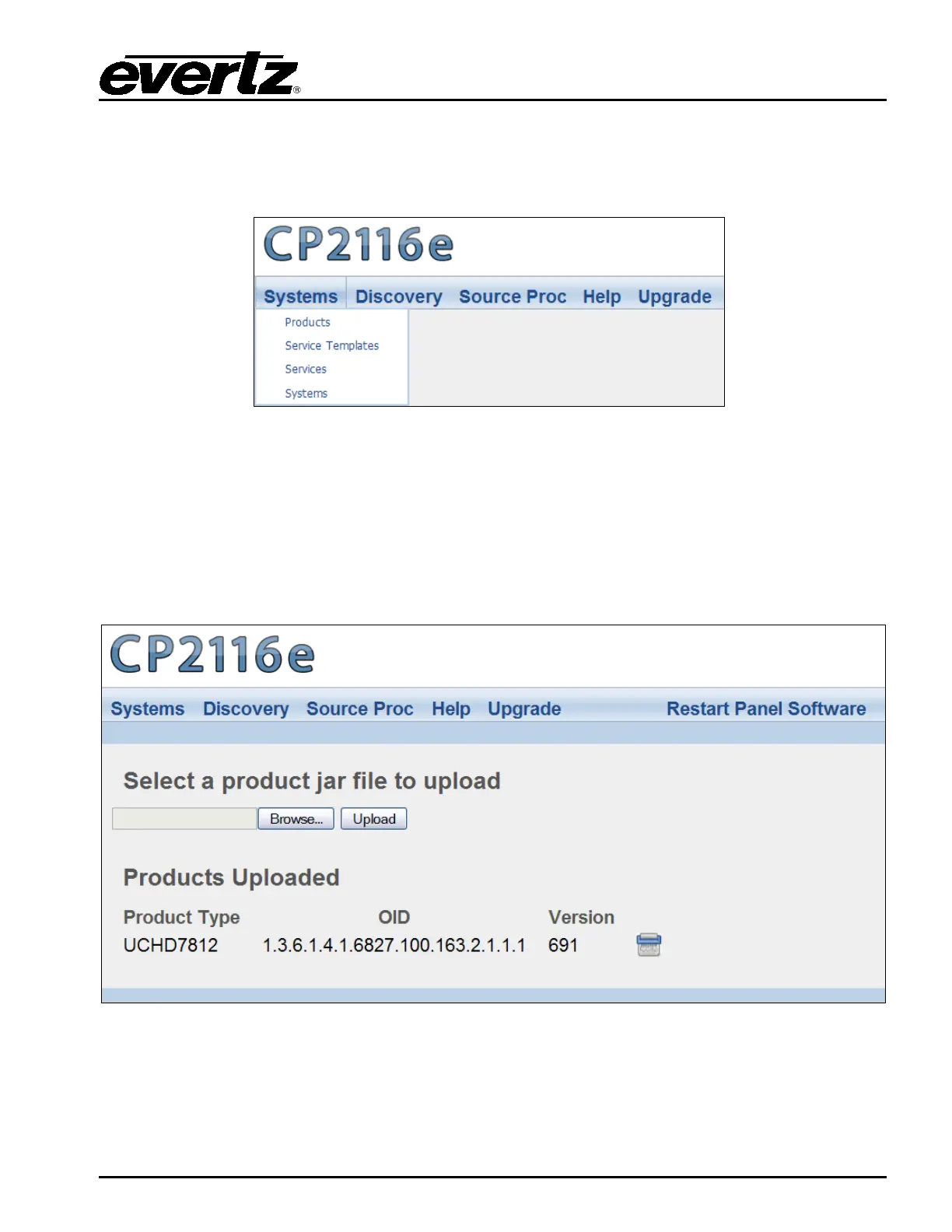
The Systems menu enables the user to upload product jar files, create services and templates, and
add systems. Figure 5-3 illustrates the Systems drop down menu.
Figure 5-3: Systems Drop Down Menu
5.2.1. Products Page
The Products page, as illustrated in Figure 5-4, enables the user to upload product jar files to the
control panel. Uploading the product files will provide access to the specific product parameters and
enable configuration.
To open the Products page, select the Products option from the Systems drop down menu.
Figure 5-4: Products Page



 To Next Page