CP-2116E
Remote Control Panel
Page - 18 Revision 1.2
The Products page has two control buttons, which are listed below:
• BROWSE: Selecting the Browse button will open a dialog box that enables the user to
navigate to the desired jar file. Once the file is selected and opened, the filename
will be displayed in the field to the left of the Browse button.
• UPLOAD: Selecting the Upload button will upload the selected file.
5.2.1.1. Products Uploaded
Products Type: This column lists the product files that are currently loaded on the control panel. If
a product is loaded onto the panel, the product will be accessible in the Service
Templates page (see section 5.2.2 for further information regarding the Service
Templates page).
OID: This column identifies the product’s unique address known as an “Object
Identification.”
Version: This column lists the product’s current version number.
Select the
button to delete the product.
5.2.2. Service Templates Page
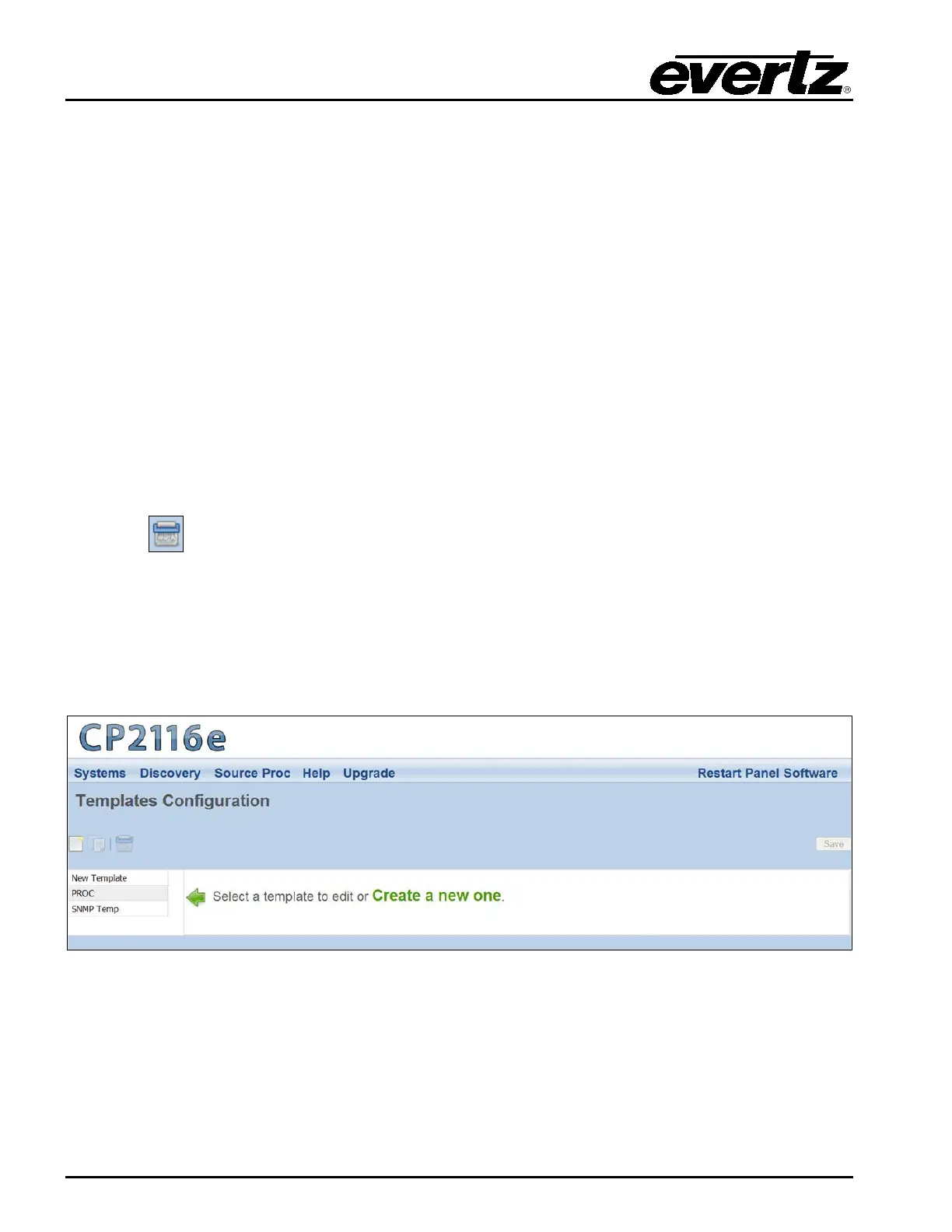
The Service Templates page enables the user to create a template, which can be reused for SNMP
Services on the CP-2116E control panel. This template defines and assigns functions for specific
SNMP devices for control. The Service Templates page also allows the user to edit existing
templates.
Figure 5-5: Systems – Service Template Page



 To Next Page