CP-2116E
Remote Control Panel
Page - 40 Revision 1.2
5.5.2. Preferences Page
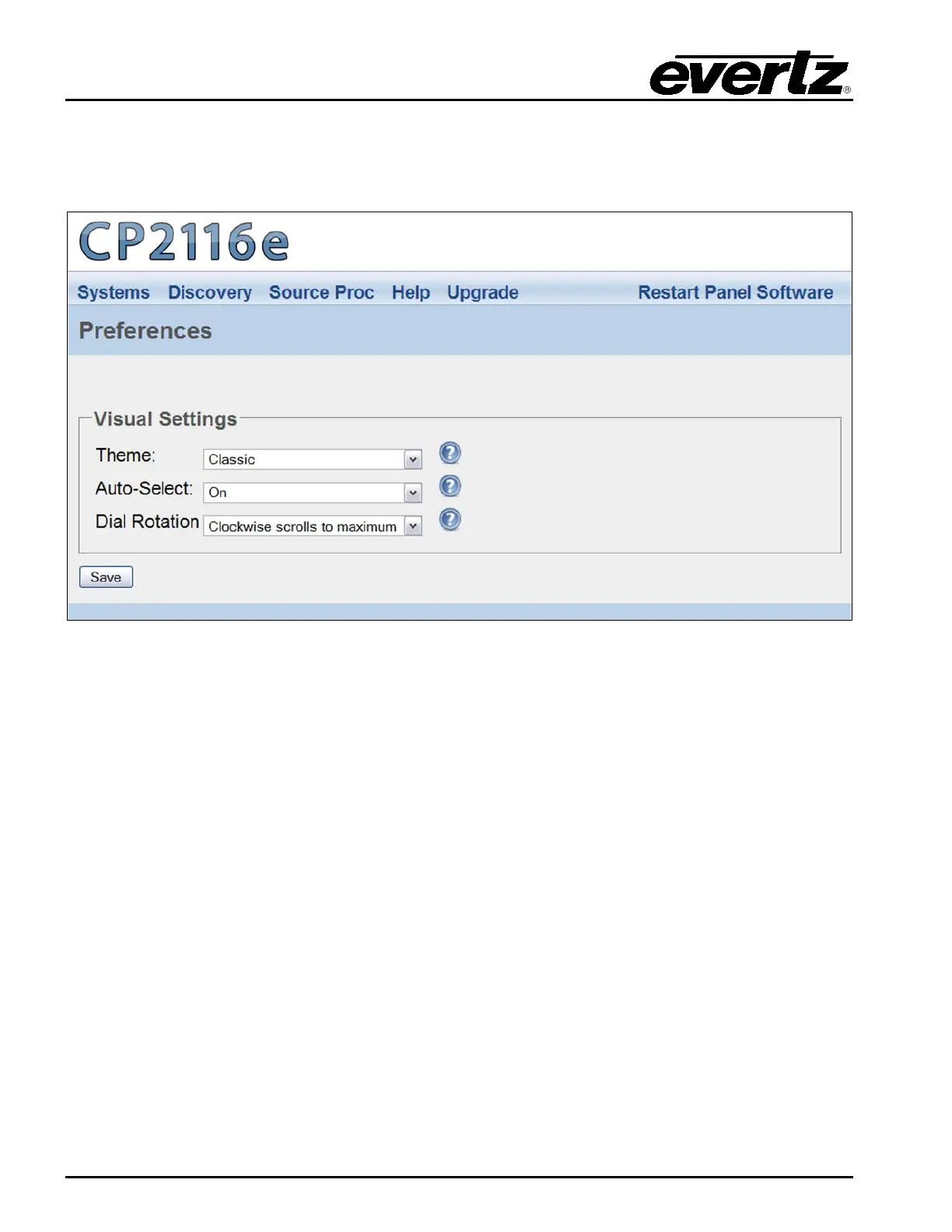
The user can select the Preferences option from the Help menu drop down menu. The Preferences
page enables the user to change the visual settings of the panel.
Figure 5-32: Preferences Page
5.5.2.1. Visual Settings
Theme: This parameter enables the user to the change the panel’s colour palette. Theme
options include: “Dark Gray,” “Ocean Blue,” “Forest Green,” “Smokey Grey,” and
“Classic.”
Auto-Select: This parameter enables the user to enable or disable the Auto-Select function. If set to
On, a single item in a list will be automatically selected (where applicable) without
having to use the Select button. If set to No, the Select button will need to be used in
order to select an item from a list.
Dial Rotation: This parameter enables the user to change the shaft encoders’ scrolling direction. The
“Clockwise scrolls to maximum” option will increase the number value when turning a
shaft encoder clockwise. The “Clockwise scrolls to minimum” option will decrease the
number value when turning a shaft encoder clockwise.



 To Next Page