05-2019 0073 00 41
moDifyiNg a rEcipE
From the recipe screen, it is possible to:
-Change the name of a recipe.
-Set a wait time (in seconds) for the “Take
beverage” message to appear when the
beverage has been dispensed.
The wait time allows the tubes to be emp-
tied and drip into the cup.
Other ingredients and/or customisations
can be added to the recipe.
From the recipe screen, tap to add other
ingredients and/or customisations.
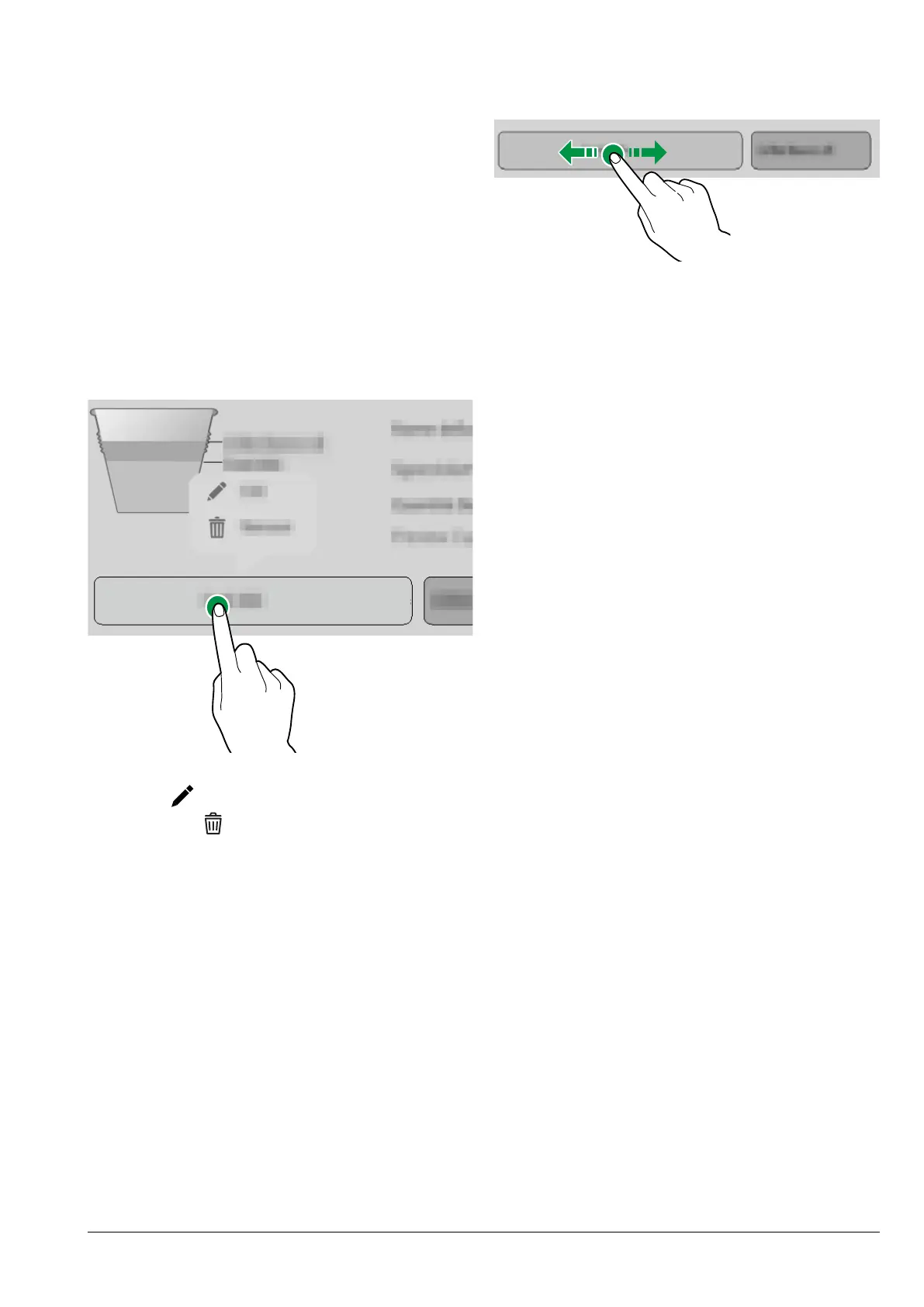
To change the settings of individual ingre-
dients (e.g. the amount of water, powder,
etc.), tap the ingredient bar to open the
context menu.
Fig. 44
-Tap edit to change the parameters.
-Tap remove
to delete the ingredient.
To move an ingredient before or after an-
other ingredient, simply drag the bar of the
ingredient.
Fig. 45
After changing the parameters, save the
settings and return to the main screen.
“Test recipe” on the main screen allows a
test selection to be dispensed in order to
check the modied recipe.



 To Next Page