02-2023 6095 00 17
DOOR SWITCH
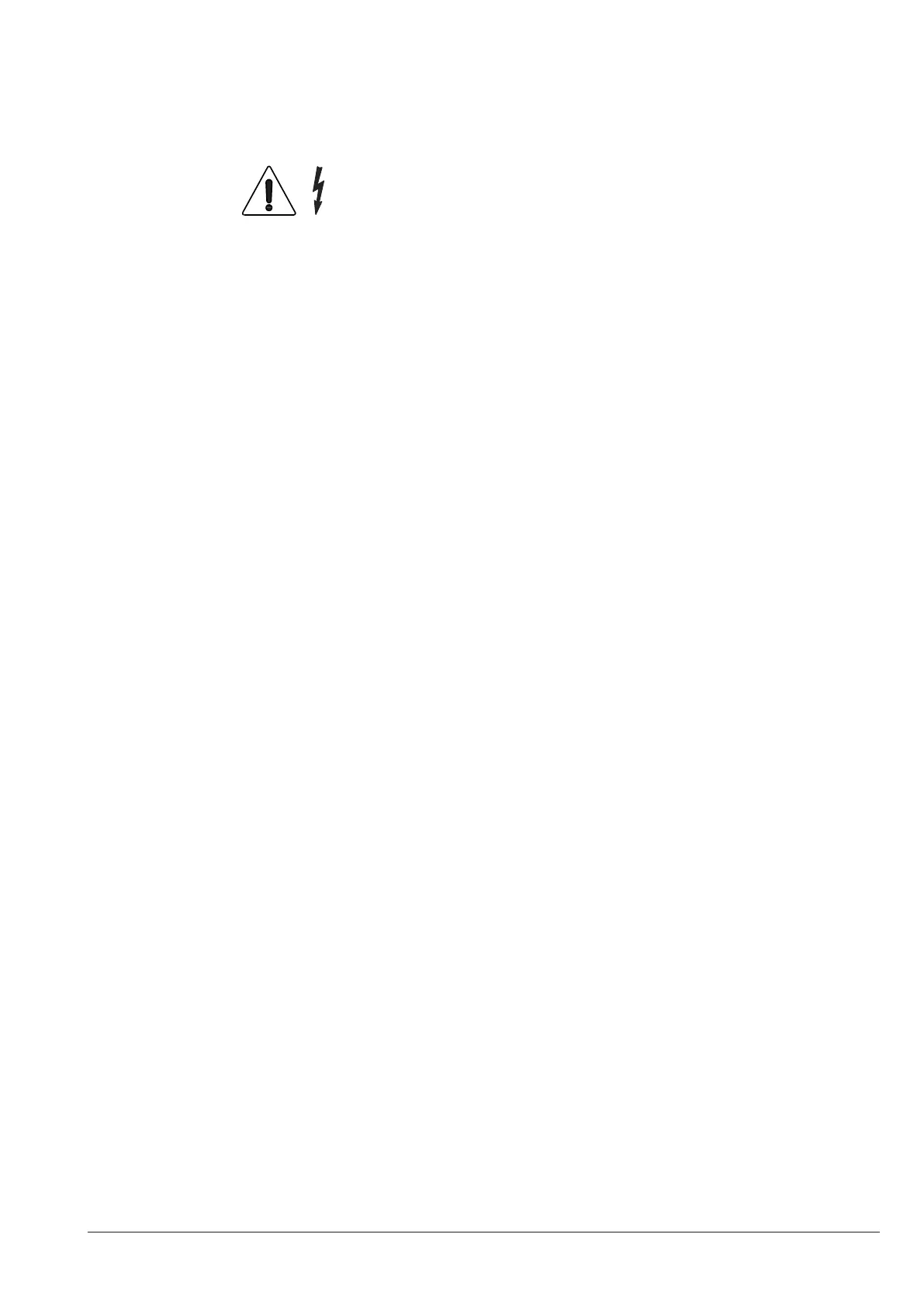
Only the parts protected by covers and
signalled by the following symbol re-
main live inside the machine.
Before removing these covers, detach
the power supply cable from the mains.
To power on the equipment when the door
is open, just insert the yellow key into the
slot of the door switch.
All the operations requiring the ma-
chine to be directly connected to a
source of electricity when the door is
open must be ONLY carried out by the
CONNECTIVITY SWITCH
On opening the door, a special switch will
deactivate the connectivity components of
the equipment.
When the door is open, the remote drives
of functional units and remote control are
disabled.
All the operations requiring the
machine to be directly connected to a
source of electricity and the connectiv-
ity functions to be active when the door
is open must be ONLY carried out by
To activate connectivity components (e.g.
communication testing) when the door is
open, just pull the connectivity switch pin.
If the switch is powered on and o in a
tight time span, the equipment will disable
connectivity components; to restore them,
restart the equipment.



 To Next Page