34 02-2023 6095 00
Notes on
programming
The main functions required to manage the
machine operation as well as possible are
briey explained here below, not neces-
sarily in the order they are displayed in the
menus.
The representation of icons/screens in this
manual is merely indicative and it may devi-
ate from the one displayed by the machine
according to settings (layouts, themes and/
or icons).
ACCESS TO PROGRAMMING
MENUS
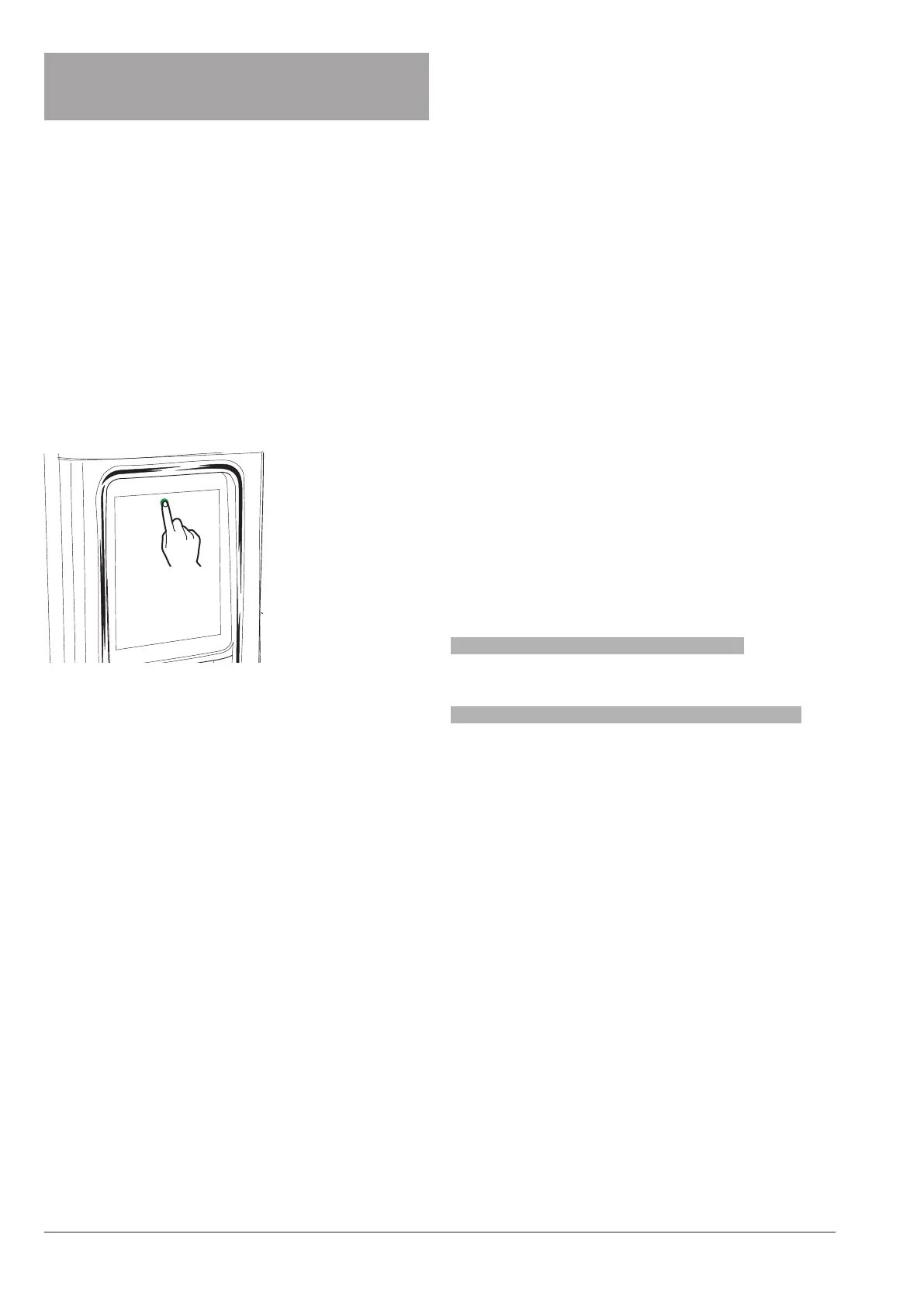
When the door is closed, touch and hold
down the logo up and in the middle of the
touch screen for some seconds.
Fig. 29
You may be required to enter a password to
access programming menus, according to
settings.
Enter the password to access enabled
menus.
The passwords (by default) are:
-Technician (4444),
-Vending machine (3333),
-Filler (2222)
-User (1111)
mENu of fuNctioNs
It shows the functions available for the
current user prole and the “forward / back-
ward” icons.
Touch the mEnu to display the menu func-
tions of the equipment.
Exit
Touch Exit to quit the programming men-
us.
The screen page of selections is displayed.
sEarcH
Touch sEarch to search for the functions
inside the menu.
Type the name of the function; while you
are typing, the functions including the text
you have typed will appear on the screen
(search results).
Touch the function you wish by choosing
among the search results.
favouritEs
The favouritEs are links with the func-
tions frequently used.
After adding a function to your favouritEs ,
you just have to access the favouritEs and
touch the function for rapid access.
aDD a fuNctioN to tHE “favouritEs”
from the function touch ; colour will
change ( is activated)
rEmovE a fuNctioN from tHE “favouritEs”:
-touch the function you wish to remove
from the favourites so as to access the
function.
-touch : colour will change ( is deacti-
vated)



 To Next Page