32 02-2023 6095 00
TOUCH SCREEN
the touch screen. Never use any sharp
If the touch screen is not used and the
same screen page is displayed for a long
time, a residual or blurred image might ap-
pear. Power o the touch screen (energy
saving) or set up an animated screen saver
when not used.
The use of high-quality contents aects
general performances and occupies mem-
ory space.
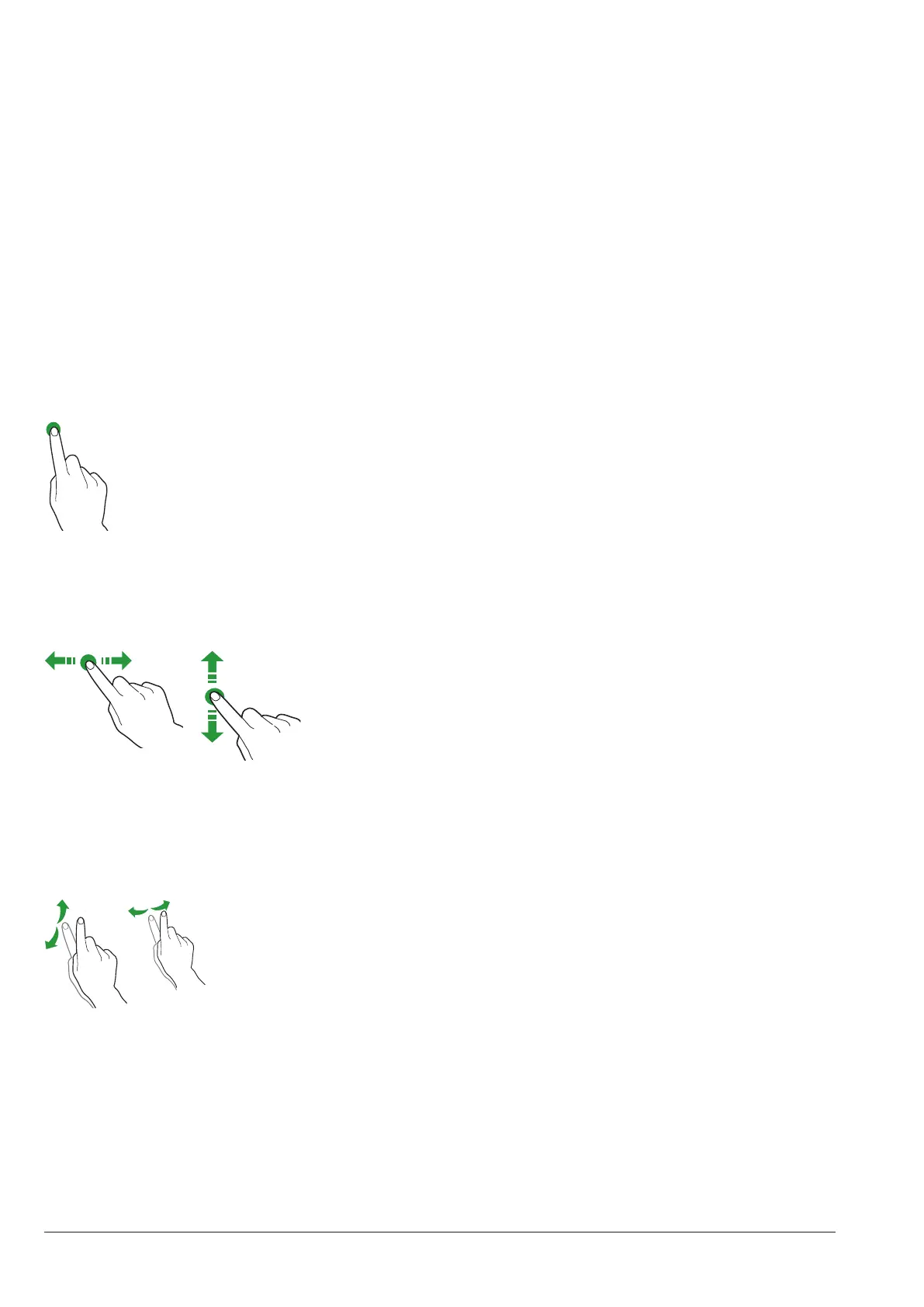
toucH.
Touch icons, functions and objects to acti-
vate the function or to open context menus.
Fig. 26
movE aND Drag
To move and drag icons and objects, touch
and drag to the new position
Fig. 27
scroll
Swipe your nger on the touch screen to
the right, to the left, up or down to scroll
values, screen pages and functions.
NORMAL OPERATION MODE
The representation and arrangement of
icons/screens in the manual is merely
indicative and it may deviate from the one
displayed by the equipment according to
settings (layouts, themes and/or icons).
The equipment in normal operation mode
shows the screen page with the selections
made available.
If some settings are customised (e.g. a dif-
ferent arrangement of drinks), some selec-
tions might be not displayed: just scroll the
screen page.
The selections might be grouped by cat-
egory, according to settings.
In case of a malfunction, a message will ap-
pear to show the failure / error.
Some selections might be disabled with
some types of failures (e.g. empty product
canisters, …)
DRINK DISPENSING
Select a drink
The screen page can be displayed with the
customisations of the drink.
The preparation state is displayed during
the preparation of the drink; as an alterna-
tive, you can see entertainment contents
(e.g. a video).



 To Next Page