02-2023 6095 00 43
mEcHaNical layout
It represents the mechanical layout of the
conguration used by the equipment.
It represents the arrangement of canisters
and the main functional units.
You can specify the new mechanical set-
tings on the equipment for the software.
-
ration of the equipment.
The equipment regulates the operation
cycles of functional units according to
the choices you have made.
The settings not in compliance with the
danger and damage the equipment.
sNack / fooD proDuct iD
To modify the identication number of
snack and food selections.
To display all snack and food selections
with the relative identication number.
No identication number of snack and food
selections is admitted if duplicated; if the
value is duplicated, the equipment will dis-
play a message.
MACHINE SETTINGS
coNfiguratioN
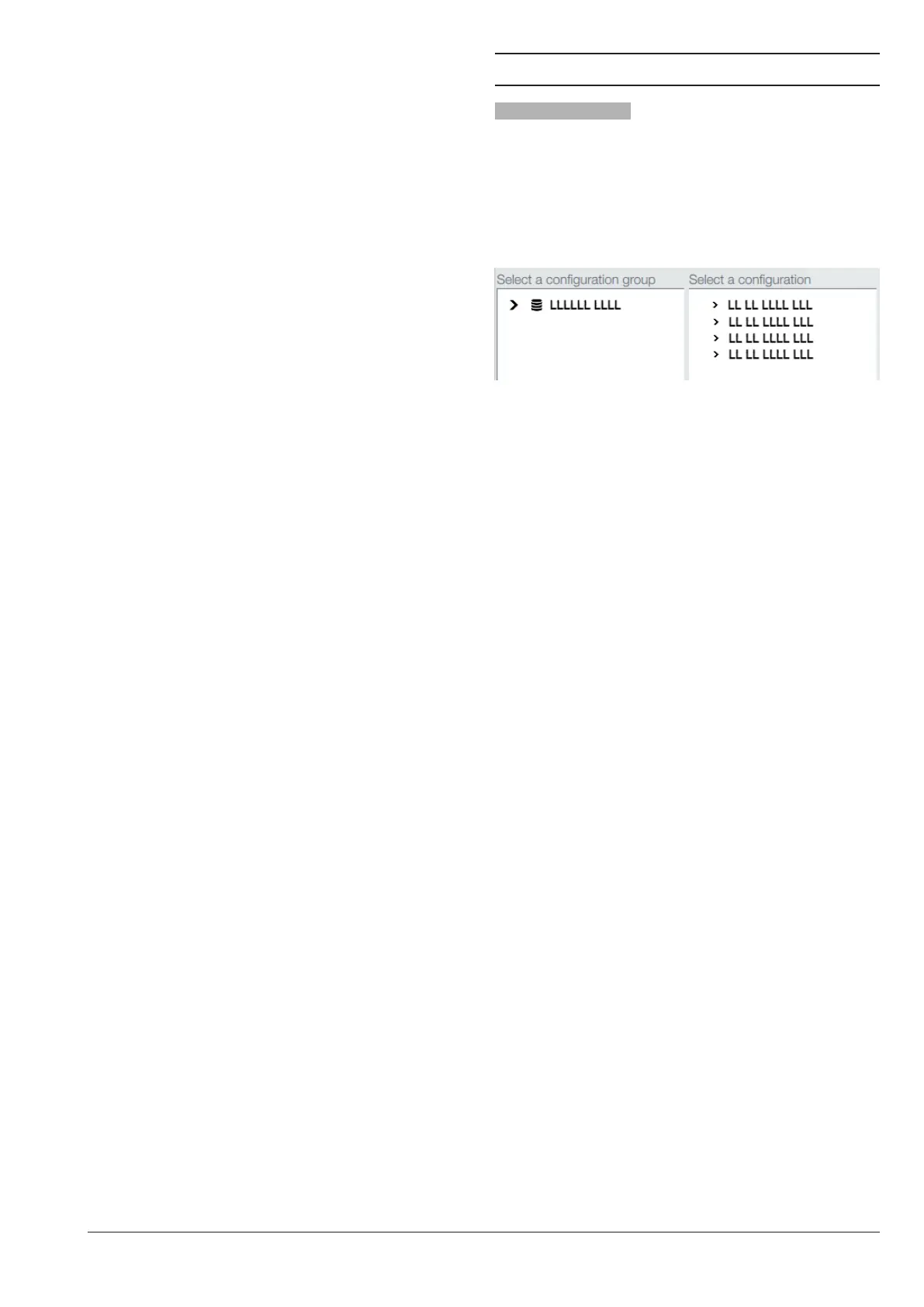
sElEct coNfiguratioN
To manage groups of congurations (e.g.
by country) and every single conguration
(layout) arranged for the equipment.
One group of congurations contains sev-
eral single congurations (layout)
Fig. 37
You can remove and duplicate the groups
of congurations and every single congu-
ration.
When you use a new conguration, you
can decide whether to reset statistical data,
calibrations and maintenance counters.
mechanical and software compatibility
of the equipment.
To use another conguration (by default),
load it from the function “Backup and re-
store”.
To display the conguration by default you
have loaded, enable the parameter “display
all” from the function intended to select the
conguration.



 To Next Page