22 02-2023 6095 00
NETWORK CONNECTIONS
iNstructioNs for EtHErNEt coNNEc-
tioNs
-The connection must be established ac-
cording to the rules in force and in obser-
vance of all the rules defined by the Ether-
net standard (the type of cable, maximum
lengths of routes,…)
-Connect the equipment with a mains sock-
et by means of an Ethernet cable cat.5E
(not supplied).
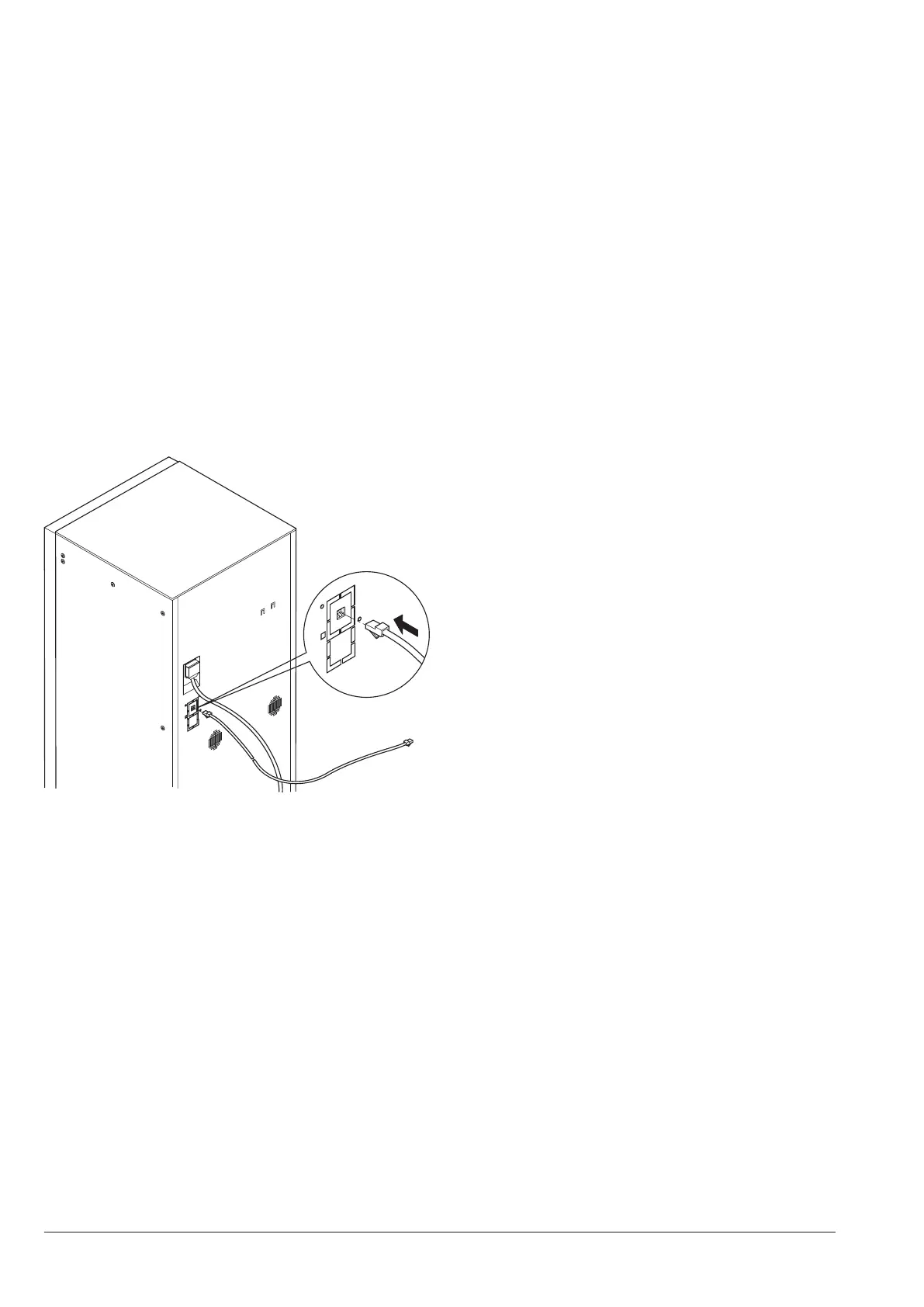
The network connector of the equipment
is placed at the back of the equipment.
-Configure the network settings from the
connectivity menu of the equipment.
It is recommended to enable the “firewall”
function from the network settings of the
equipment.
Fig. 20
iNstructioNs for wi-fi coNNEctioN
-Place the equipment where there is a
good reception and intensity of the Wi-Fi
signal.
-Never forget to enable the protection func-
tionalities (cryptography) to protect com-
munications against unauthorised access.
A network using a more recent encryption
system is safer.
Cryptography “Open” can guarantee no
kind of protection.
or “hotspots” (such as bars and air-
-Configure the Wi-Fi settings from the con-
nectivity menu of the equipment and set
the encryption used by the network with
which the equipment will be connected.
It is recommended to enable the “firewall”
function from the network settings of the
equipment.
-
-
nection of the equipment.
It is not possible to enable Ethernet and
Wi-Fi connections at the same time.
iNstructioNs for bluEtootH
Make sure that the Bluetooth function is
active on the equipment and on the second
device.
To establish the communication between
the equipment and a Bluetooth device, as-
sociate the two devices (see function “net-
work”).
undesirable access to the equipment
when connected; it is recommended to
enable it from programming menus.



 To Next Page