EVS Multicam Version 10.01 – Operating Manual
EVS Broadcast Equipment SA – July 2009
Issue
10.01.F
45
9.2.11 SECONDARY MENU IN CLIP MODE
9.2.11.1 OVERVIEW
In Clip mode, the secondary menu of the Remote Panel is different from the
Record Train mode:
P
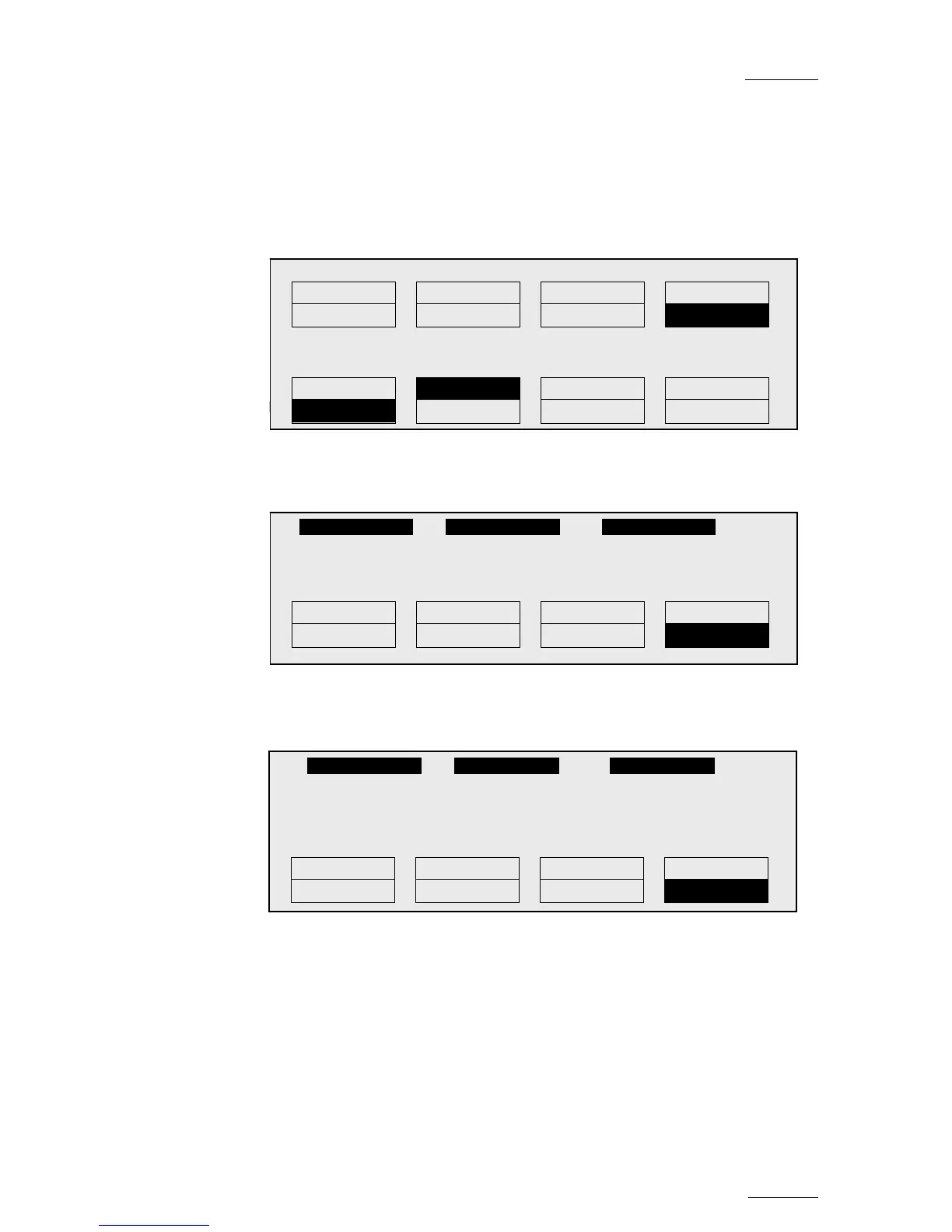
Press MENU to access the secondary menu. If no keyword file is selected in
the setup, the LCD display will be:
In this mode of the secondary menu, clips can still be directly recalled using
the F1-F10 keys of the Remote Panel.
If a keyword file is selected in the setup, the LCD display will be:
In this mode of the secondary menu, the F1-F10 keys are used for keyword
assignment, and thus can no longer be used to recall clips. For a description
of the keyword-related functions, please refer to the “Keyword Management”
Section of this manual.
The ID of the current clip appears on the end of line 3 of the LCD display.
1 keyword890123 2 keyword89012 3 keyword89012
F1:action_1 F6:action_6
F2:action_2 F7:action_7 111A
F3:action_3 F8:action_8
F4:action_4 F9: p.01
F5:action_5 F0:Next page
Push Aux Clip Sort->TC Post-Roll
>Archive *** Name Cam
PGM1 112A *PRV1* 112B
Push Aux Clip Sort->TC Post-Roll
>Archive *** Name Cam
P.1 B.1 Clips: Local Records: Local
PL 11: < >
Msg:
Rst Cam
Local Sync Prv 2nd CTRL
Cam A Cam B Cam C Cam D
1keyword890123 2 keyword89012 3 keyword89012
111A
Push Aux Clip Sort->TC Post-Roll
>Archive *** Cam


 To Next Page
 Loading...