DTP CrossPoint 84 Series Matrix Switchers • Matrix Software 108
3. If you selected TCP/IP in step 2:
a. Observe the IP Address field in the IP Connection window. The field displays the
last IP address entered.
If the IP Address field is correct, proceed to step 3b.
If the address is not correct, either click in the IP Address field and enter the IP
address or click on the scroll down button ( ) to open a drop-down box and select
from among the recently used addresses. Proceed to step 3b.
NOTE: If the local system administrators have not changed the value, the
factory-specified default, 192.168.254.254, is the correct value for this field.
b. If the switcher is password protected, click in the Password field and enter the
appropriate administrator password.
c. Click OK.
The Synchronize with Device dialog box (see figure60 on page109) appears.
Proceed to step 6.
4. If you selected USB in step 2:
a. Click the USB Devices drop-down box and select the switcher.
b. Click OK.
The Synchronize with Device dialog box appears. Proceed to step 6.
5. If you selected RS-232 in step 2:
a. Click the Com Port drop-down box and select the PC comm port that is
connected to the rear panel RS-232 port of the switcher.
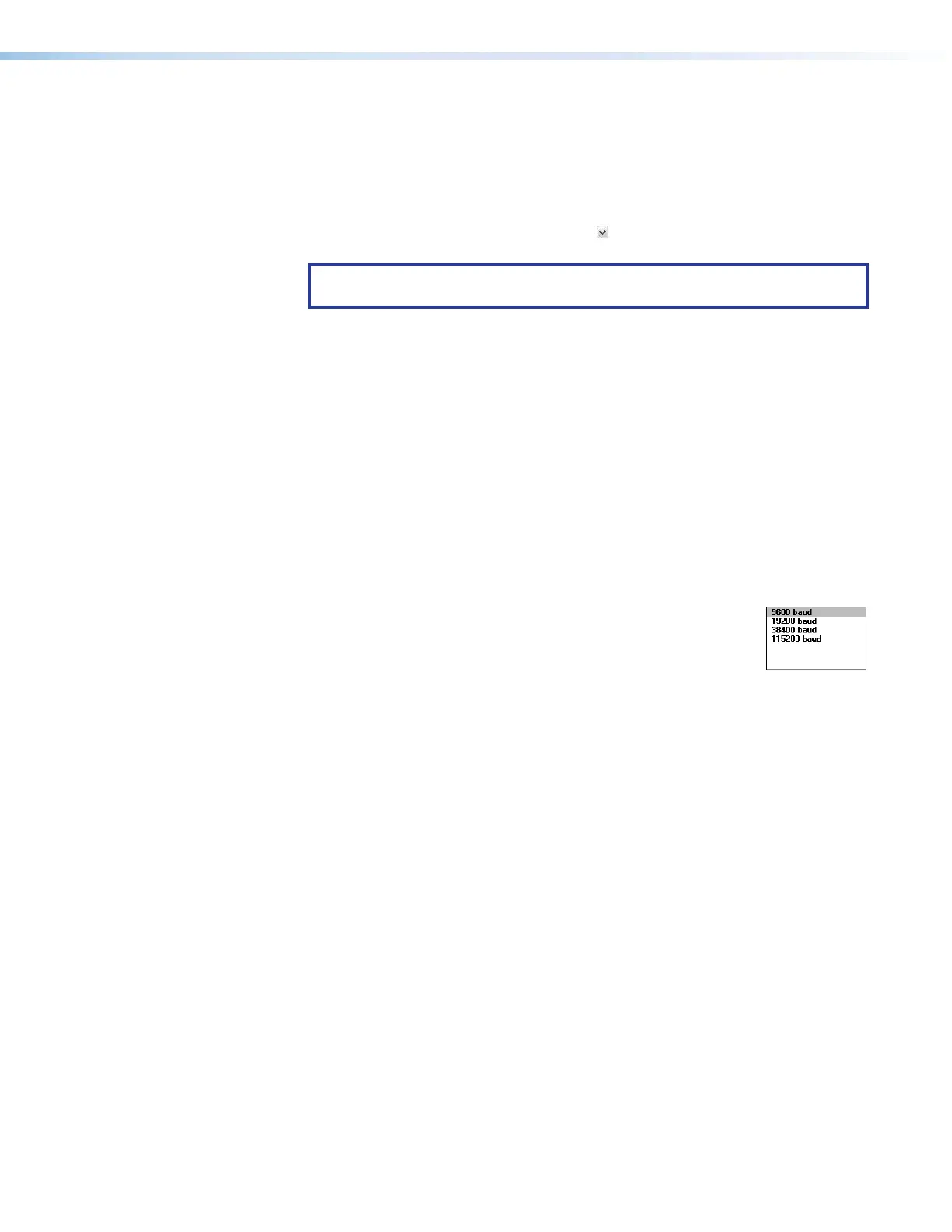
b. Check the baud rate displayed in the comm port selection window.
If you need to change the baud rate to match the rate of the
switcher, click the Baud Rate drop-down box and select the
desired baud rate. The default is 9600.
c. Click OK.
The Synchronize with Device dialog box appears. Proceed to step 6.
6. If necessary and as desired, click either the:
• Pull radio button (see figure60,
1
) (to configure the DSP Configurator program
to match the switcher — proceed to step 8)
• Push radio button (
2
) (to configure the switcher to match the DSP Configurator
program — proceed to step 7)



 To Next Page