DTP CrossPoint 84 Series Matrix Switchers • Installation 21
S/PDIF output connector
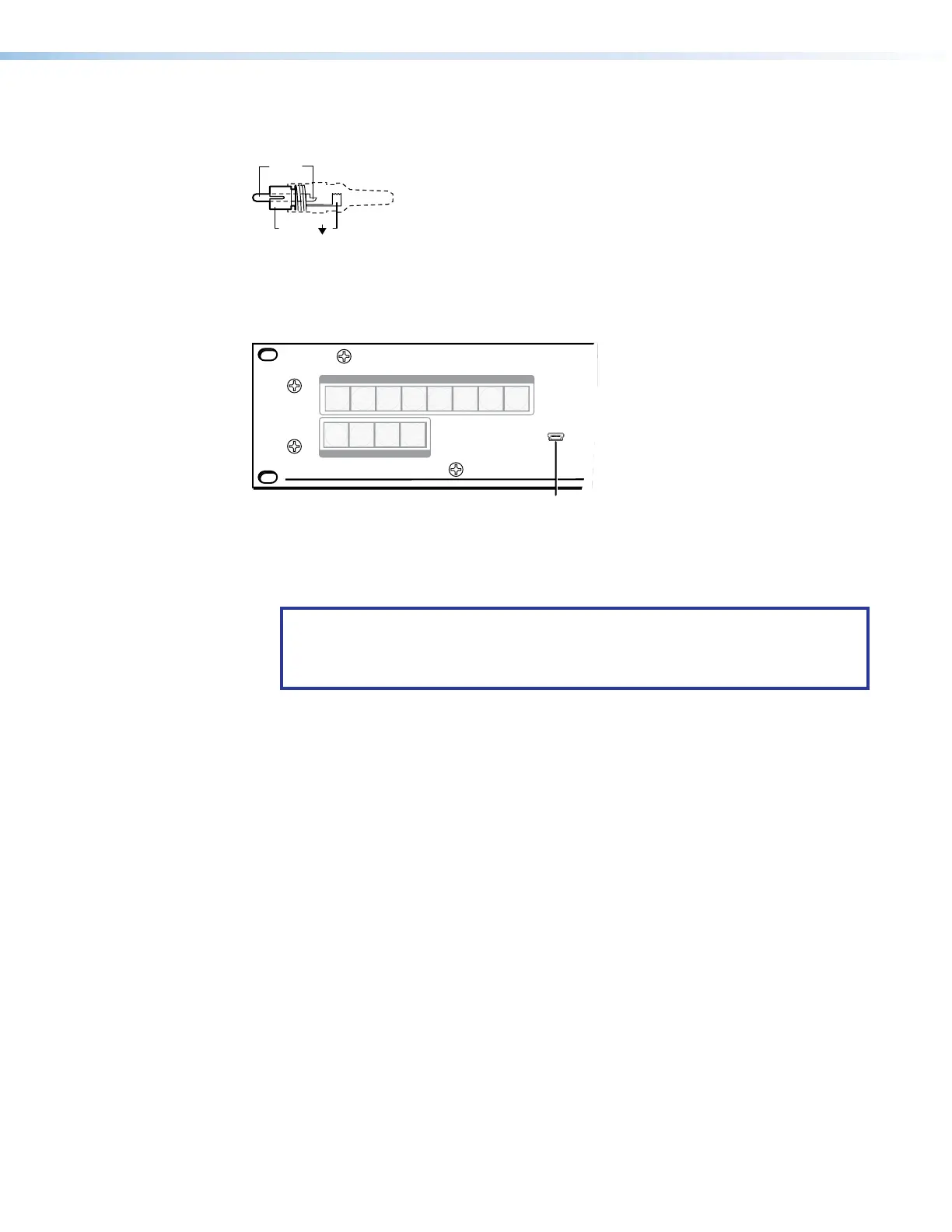
Figure 15 shows the S/PDIF connector, a 75-ohm cable with a standard RCA connector.
Sleeve ( )
Figure 15. S/PDIF Connector
Front Panel Configuration Port
Extron
1
2
3
4
1
2
3 4
5
6
7
8
CONFIG
INPUTS
OUTPUTS
Figure 16. Front Panel Configuration Port
A
Config (Configuration) port — This USB mini-B port serves a similar communications
function as the rear panel Remote port, but it is easier to access than the rear port after
the matrix switcher has been installed and cabled.
NOTE: A front panel Configuration port connection and a rear panel Remote port
connection (see figure2,
S
on page11) can both be active at the same time.
If commands are sent simultaneously to both, the command that reaches the
processor first is handled first.
15
16



 To Next Page