DTP CrossPoint 84 Series Matrix Switchers • Operation 28
Button Icons
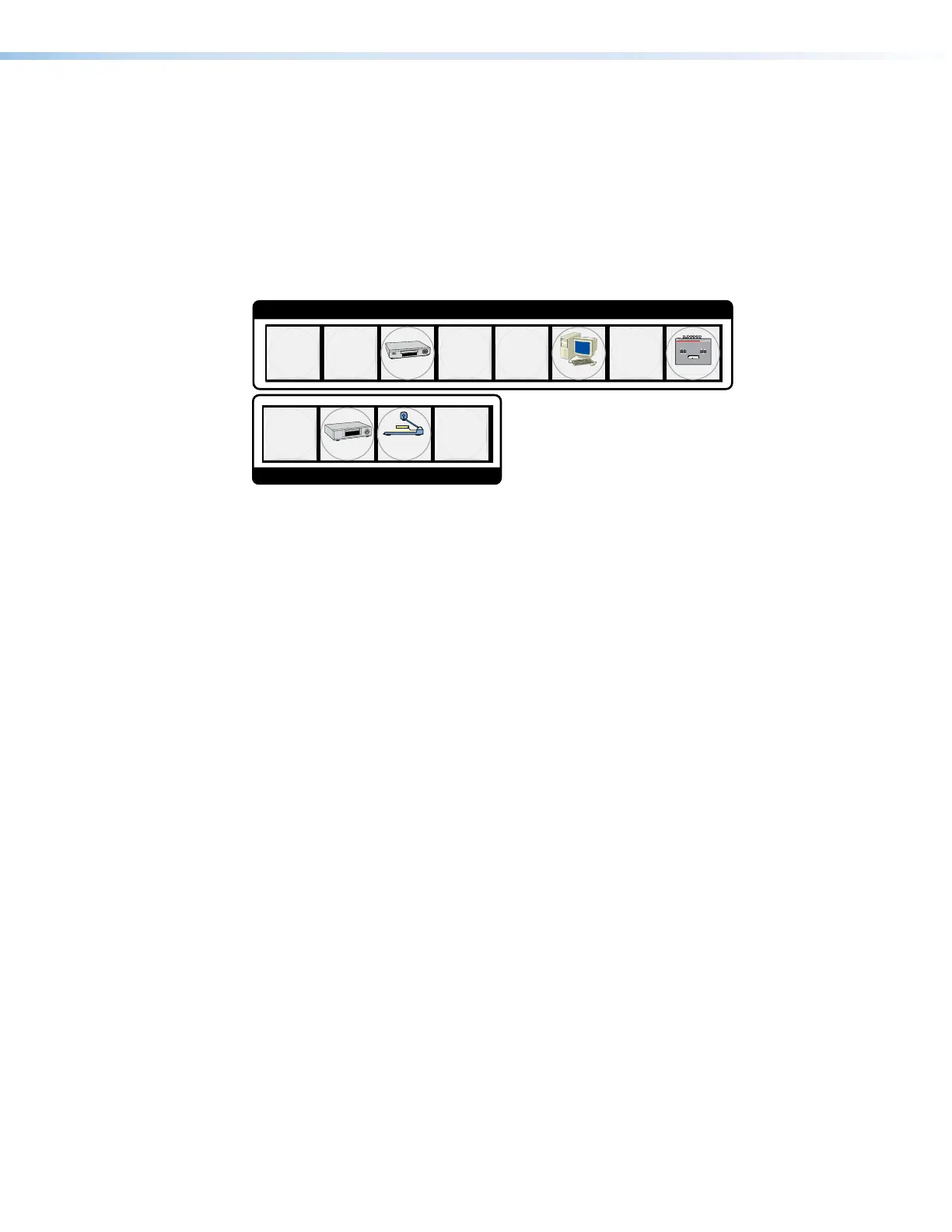
The numbered translucent covers on the input and output buttons can be removed and
replaced to insert labels behind the covers.
Input and output labels can be created easily with the Extron Button-Label Generator
software, which is shipped with every Extron matrix switcher. Each input and output can be
labeled with names, alphanumeric characters, or color bitmaps for easy and intuitive input
and output selection (see figure18). See Removing and Installing Button Labels on
page147 for details on using the labeling software, blank labels you can fill in yourself, and
a procedure for removing and replacing the translucent covers.
1
2
4
1
4
5
7
INPUTS
DVD
VCR
Computer
Document
Camera
VTG
Figure 18. Sample Button Icons
Front Panel Operations
The following sections detail the power-up process and then provide sample procedures for
the following actions:
• Creating ties, sets of ties, and configurations
• Changing a configuration
• Viewing ties, sets of ties, and configurations
• Recalling a preset
• Muting and unmuting outputs
• Configuring the audio inputs
• Configuring the TP insertion ports
• Reading and setting the Remote port baud rate
• Toggling background illumination on and off
•
Locking and unlocking the fr
ont panel
•
Performing a fr
ont panel reset
Power
Apply power by connecting the power cord between the switcher and an AC source. The
switcher performs a self-test that blinks the front panel button indicators red, green, and
amber and then turns them off. An error-free power-up self-test sequence leaves all input,
output, and control buttons either unlit or showing background illumination and the Video
button and the Audio button lit.
The current configuration and all presets are saved in non-volatile memory. When power is
applied, the most recent configuration is retrieved. The previous presets remain intact.
If an error occurs during the self-test, the switcher locks up and does not operate. If your
switcher locks up on power-up, call the Extron S3 Sales and Technical Support Hotline. See
www.extron.com for the phone number in your region of the world.
18



 To Next Page