DTP CrossPoint 84 Series Matrix Switchers • Operation 24
A
Input buttons — (see figure17 on page22) The input buttons have one primary
function () and six secondary functions (•):
Select and identify an input for creating ties or for audio level adjustment.
• Select a preset.
• (Input 2) With the Output 2 button, select input audio configuration mode.
• Display input audio configuration.
• (Input 4) With the Output 4 button, select control insert configuration mode.
• (Input 7 and Input 8 only) Display control insert configuration for input.
• (Input 1 and Input 2 only) Toggle background illumination of the buttons on and
off.
B
Output buttons — The Output buttons have one primary function () and five
secondary functions (•):
Select and identify an output for ties.
•
Select a pr
eset.
•
Mute the output.
•
(
Output 2) With the Input 2 button, select input audio configuration mode.
•
(
Output 4) With the Input 4 button, select control insert configuration mode.
•
(
Output 3 and Output 4 only) Display control insert configuration for output.
Control Buttons
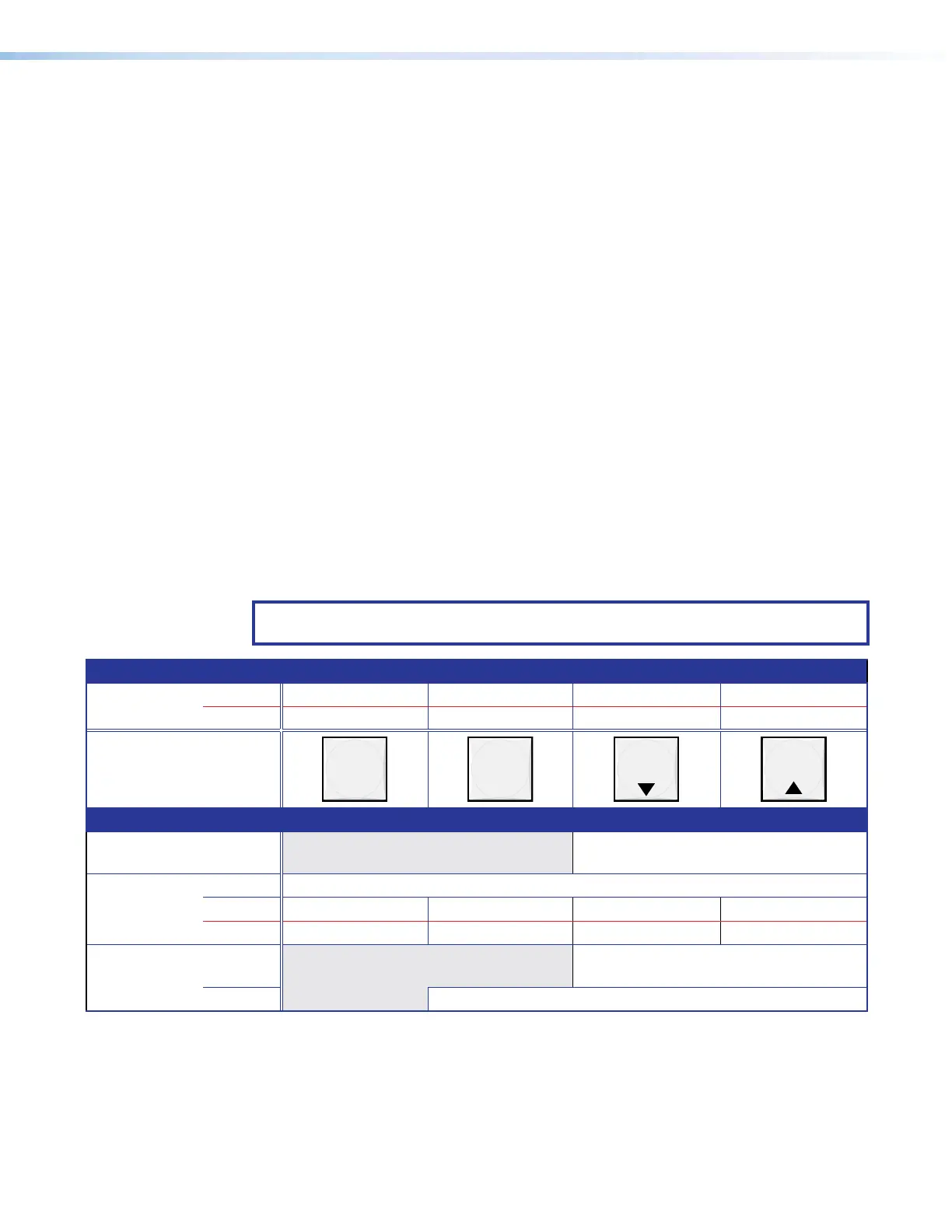
NOTE: See Front Panel Operations starting on page28 for detailed descriptions of
the following operations.
Primary functions
Action Save changes Select Preset mode Select View mode Cancel or Escape
Indication Blink: Save needed Lit: Recall preset View mode selected Blinks once
ENTER PRESET
VIEW
ESC
Secondary functions
Input audio
configuration
Indication Blink: Input Audio Configuration Mode.
Port
configuration
Action 1: Select Configuration mode.
Action 2: Select 9600 baud Select 19200 baud Select 38400 baud Select 115200 baud
Indication Blink: 9600 baud Blink: 19200 baud Blink: 38400 baud Blink: 115200 baud
Front Panel
Locks
Action 1:
Select Lock mode 1 or toggle between
mode 2 and mode 1.
Action 2:
Select Lock mode 2 or toggle between mode 0 and mode 2.
INPUTS buttons
OUTPUTS buttons



 To Next Page