RESTRICTED USE ONLY FARGO Electronics, Inc.
DTC500 Series Card Printer/Encoders Troubleshooting Guide (Rev. 3.0)
110
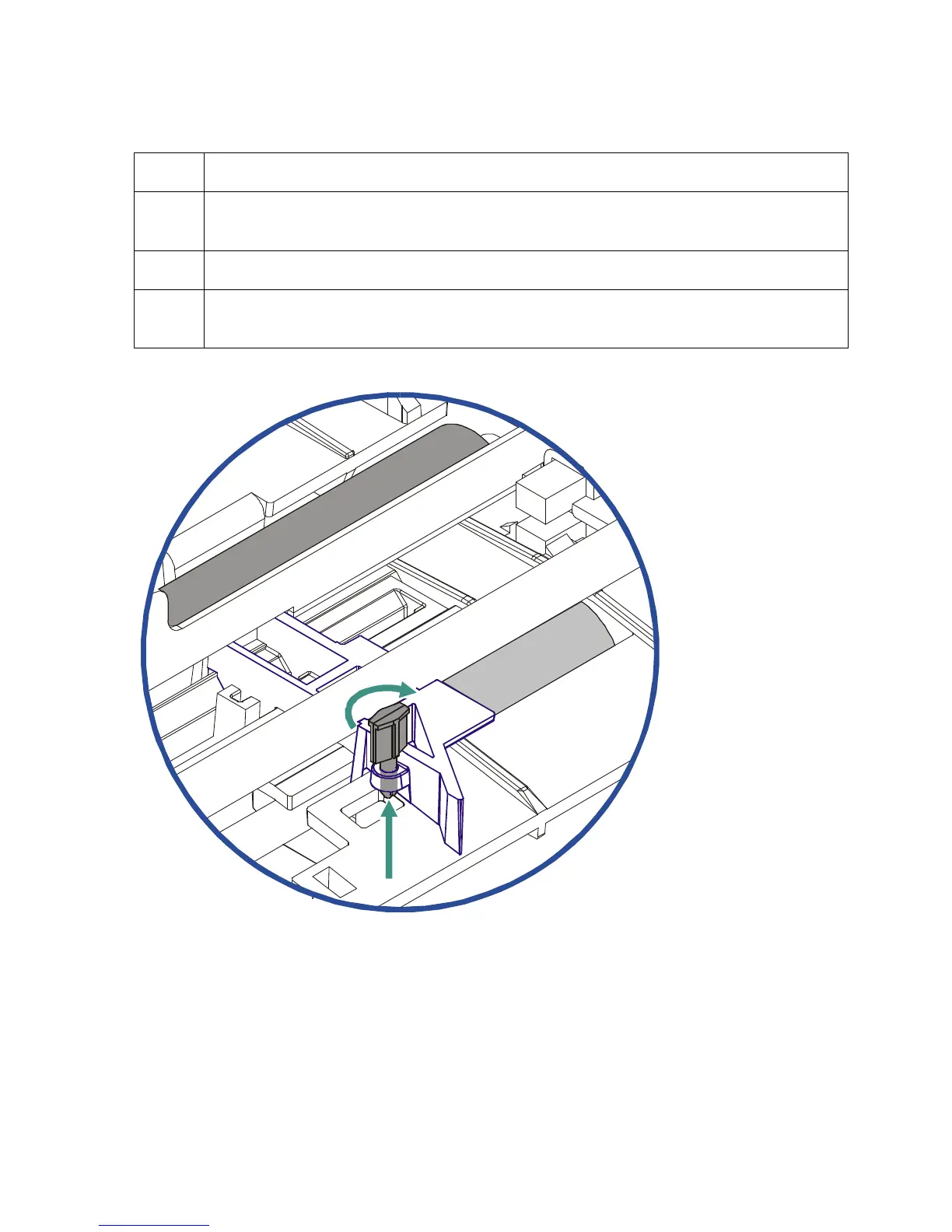
Adjusting the Internal Card Guide (continued)
Step Procedure
1 If loading CR-80, 10 mil cards, adjust this guide (as needed) to accommodate very
thin, flexible card stock.
2 Open the Printer's Top Cover and Print Station.
3 Rotate the guide's Securing Peg until it is parallel to the card guide, and push it
down. (Note: This widens the card path so it holds thinner cards with less force.)











 To Next Page