RESTRICTED USE ONLY FARGO Electronics, Inc.
DTC500 Series Card Printer/Encoders Troubleshooting Guide (Rev. 3.0)
91
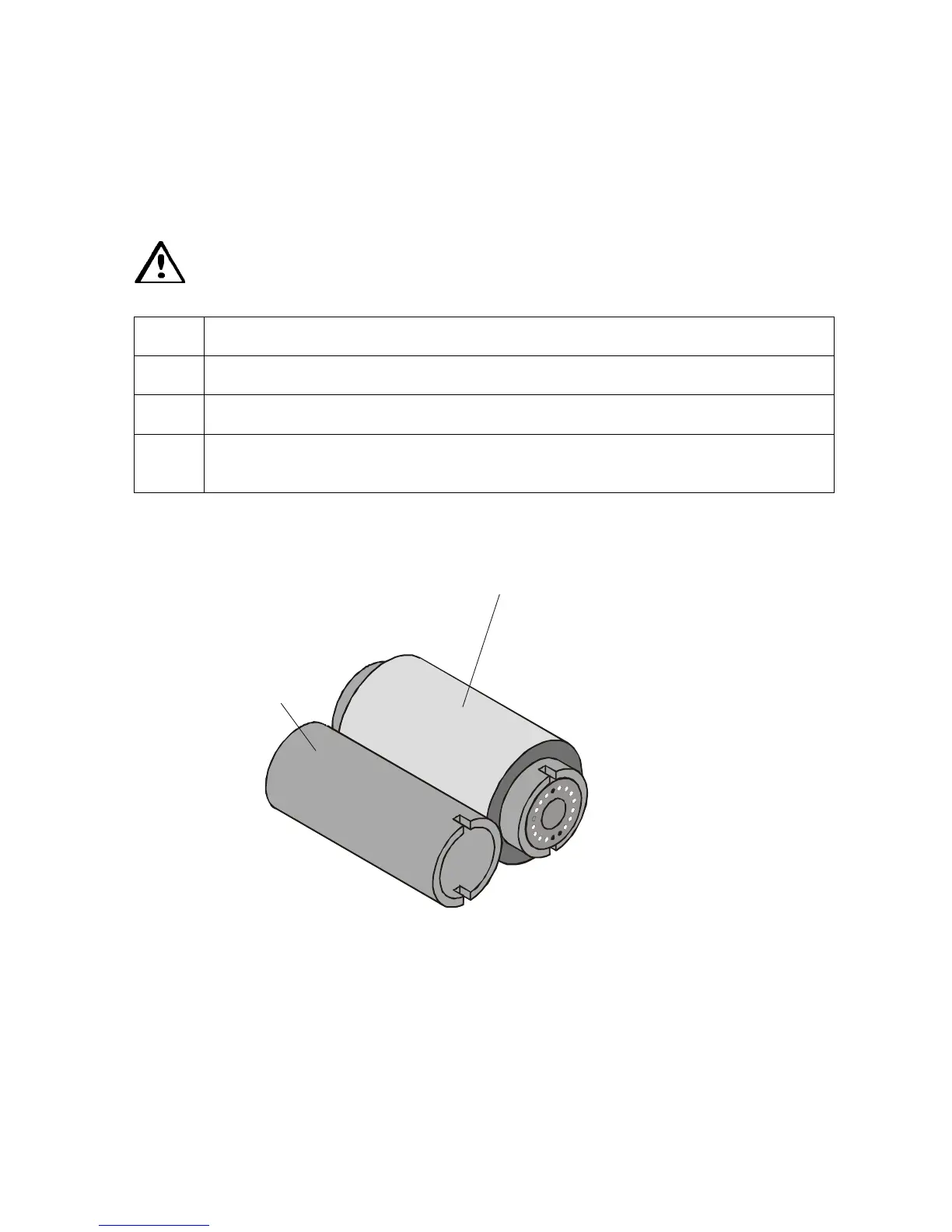
Loading the Overlaminate
The loading process for both the Thermal Transfer Film and the PolyGuard overlaminate
material is the same. Refer to the following steps to load either type of overlaminate into the
Printer.
Danger: Do not touch the metal lamination shield or the Lamination Roller when
loading overlaminate. You will burn yourself.
Step Procedure
1 Open the lamination module's Top Cover and Lamination Station.
2 Remove the overlaminate from its packaging.
3 The supply end of the overlaminate roll is the side containing the fresh, unused
portion of the overlaminate. The take-up end is the other side.
Continued on the next page
Supply Roll











 To Next Page