RESTRICTED USE ONLY FARGO Electronics, Inc.
DTC500 Series Card Printer/Encoders Troubleshooting Guide (Rev. 3.0)
26
Resolving the Card Hopper Jam Error Message
Step Procedure
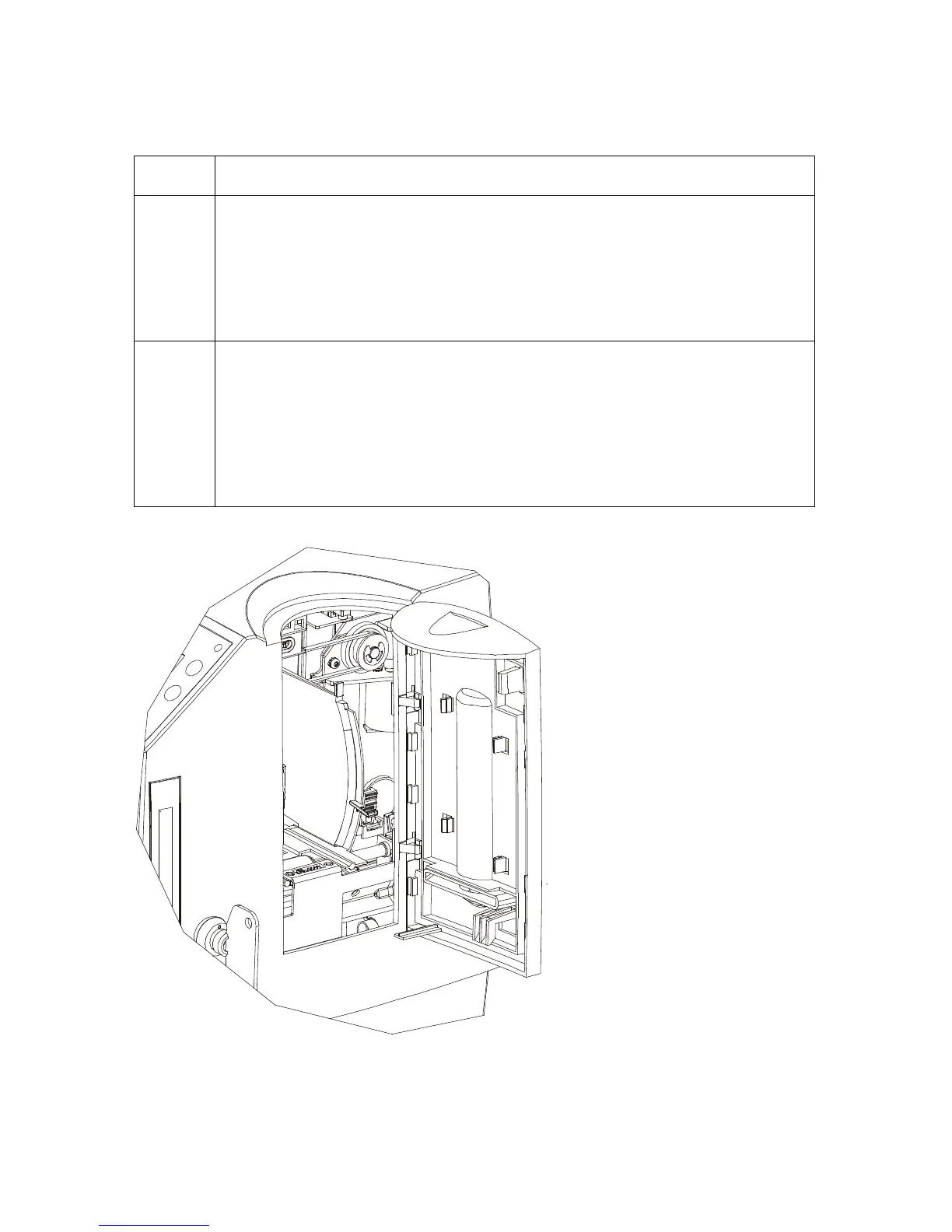
1 Clear any obstructions.
a. Open the Input Hopper Door, as shown below.
b. Remove any cards from the Input Hopper.
c. Ensure that there are no cards that are partially fed out of the Card
Hopper.
2 Verify the mechanical operation.
a. Remove the Top Cover.
b. Ensure that the guide belt for the Hopper Travel Assembly (D850253) is
intact and moves smoothly.
c. Verify that the Hopper Travel Motor is properly meshed with the gear
assembly.












 To Next Page