RESTRICTED USE ONLY FARGO Electronics, Inc.
DTC500 Series Card Printer/Encoders Troubleshooting Guide (Rev. 3.0)
70
Diagnosing the Image Problems
Resolving the Pixel failure problems
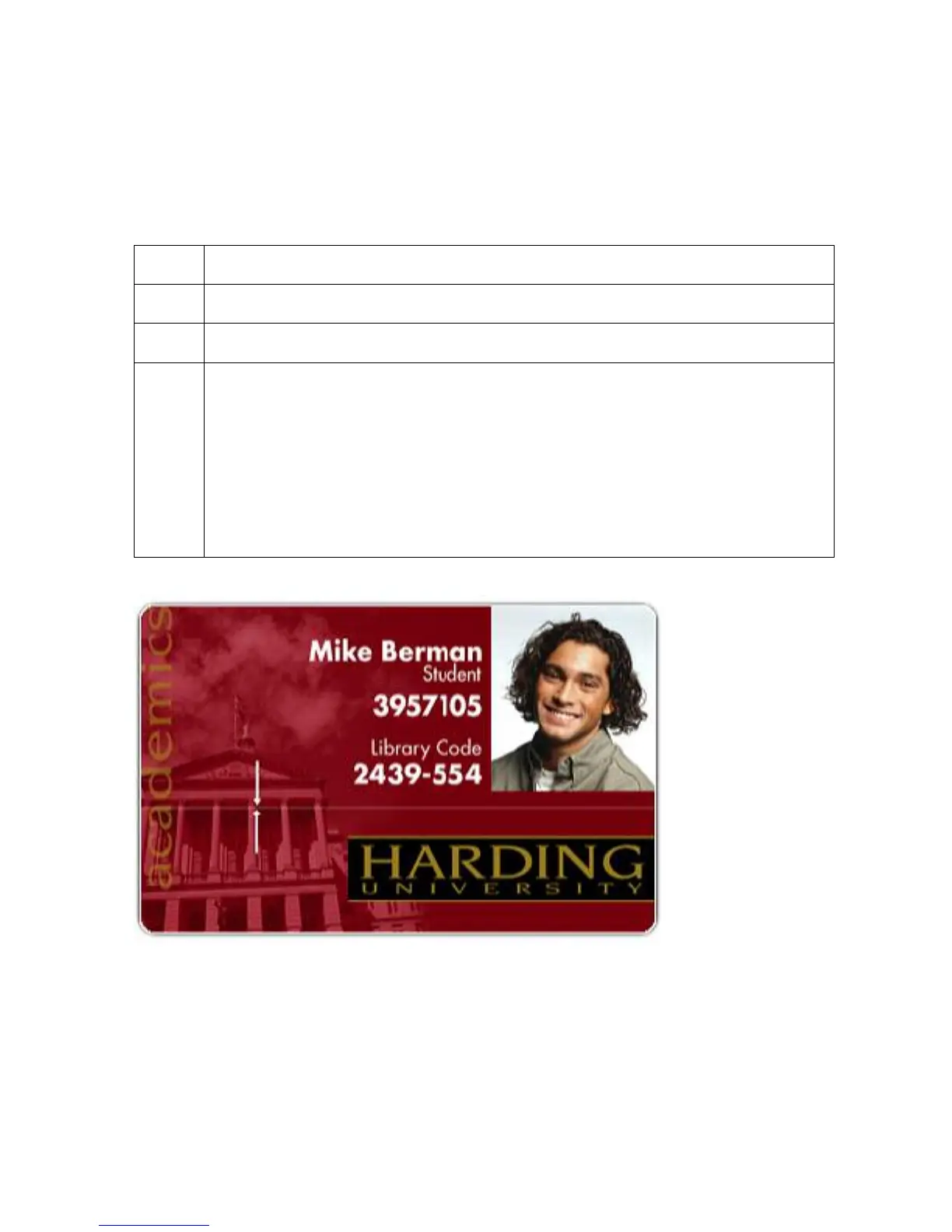
Symptom: A thin line or scratch travels the entire length of the card.
Step Procedure
1 Check the card stock for scratches. Replace the cards (as needed).
2 Examine the Printhead for visible damage.
3 Clean the Printhead.
a. Remove watches, rings, bracelets, and other jewelry.
b. Open the Top Cover and Printhead Arm.
c. Use a Printhead Cleaning Pen from the Printer Cleaning Kit to firmly wipe
back and forth across the surface of the Printhead.
d. Close the Top Cover and Printhead Arm once the Printhead is completely
dry.












 To Next Page