RESTRICTED USE ONLY FARGO Electronics, Inc.
DTC500 Series Card Printer/Encoders Troubleshooting Guide (Rev. 3.0)
122
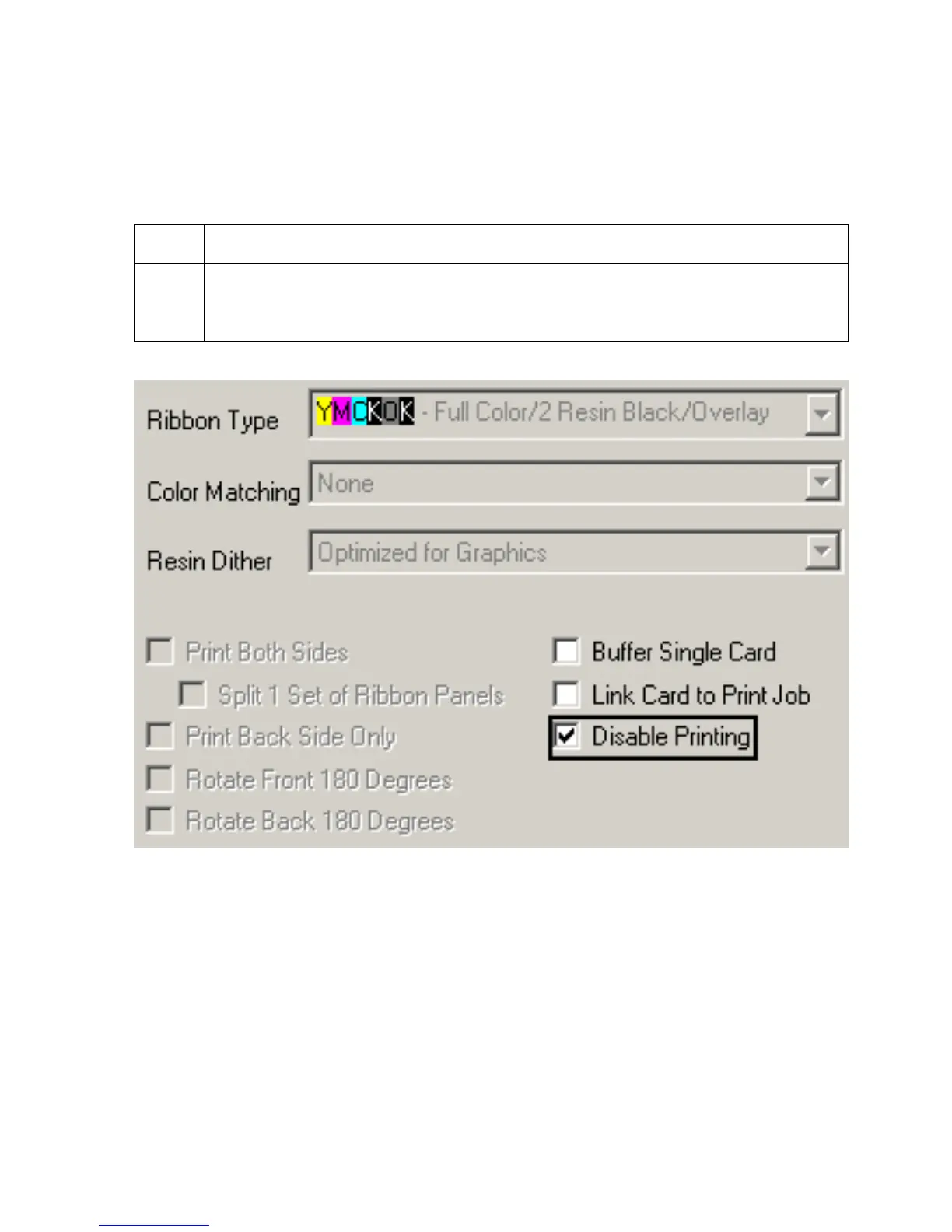
Using the Disable Printing option
Use this option to disable the printing capabilities of the Printer, yet still allow the Printer to
encode cards. (Note: This option is useful to encode or re-encode cards without additional
time, effort, or printing supplies.)
Step Procedure
1 Select this option to ensure no print data will be sent to the Printer (while all
encoding instructions will be sent according to how they are configured within the
software).











 To Next Page