RESTRICTED USE ONLY FARGO Electronics, Inc.
DTC500 Series Card Printer/Encoders Troubleshooting Guide (Rev. 3.0)
169
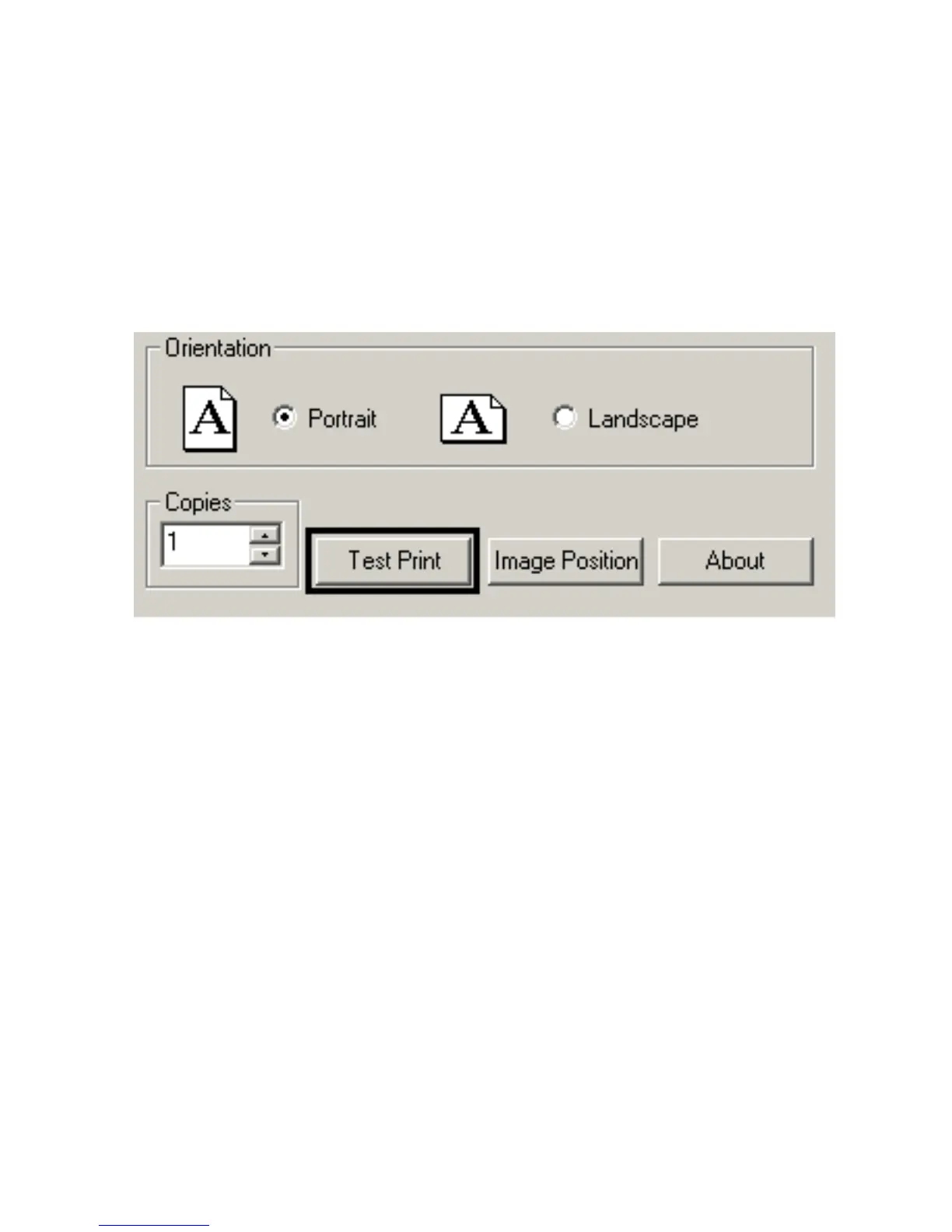
Using the Test Print button
Use this button to send a Self-Test print to the Printer.
• Ribbon Requirement: A Full-Color YMCKO print Ribbon is required for a
DTC510/DTC515, or YMCKOK print Ribbon is required for a DTC520/DTC525.
• Test Print Procedure: This test print procedure can be helpful in ensuring (a) that the
computer is effectively communicating with the Printer, and (b) that the Printer is
functioning properly.



 To Next Page