RESTRICTED USE ONLY FARGO Electronics, Inc.
DTC500 Series Card Printer/Encoders Troubleshooting Guide (Rev. 3.0)
61
Removing the Original Printhead Assembly
Step Procedure
1
Caution: Turn OFF the Printer and unplug the power cord from the
Printer.
2 Unplug the Parallel Port cable from the Printer.
3 Open the Top Lid (D850289) of the Printer by lifting up on its bottom edge and
tilting it back into the fully open position.
4 a. Unhook the blue-colored Printhead latch levers (D850189).
b. Raise the Printhead Arm Assembly (D850252).
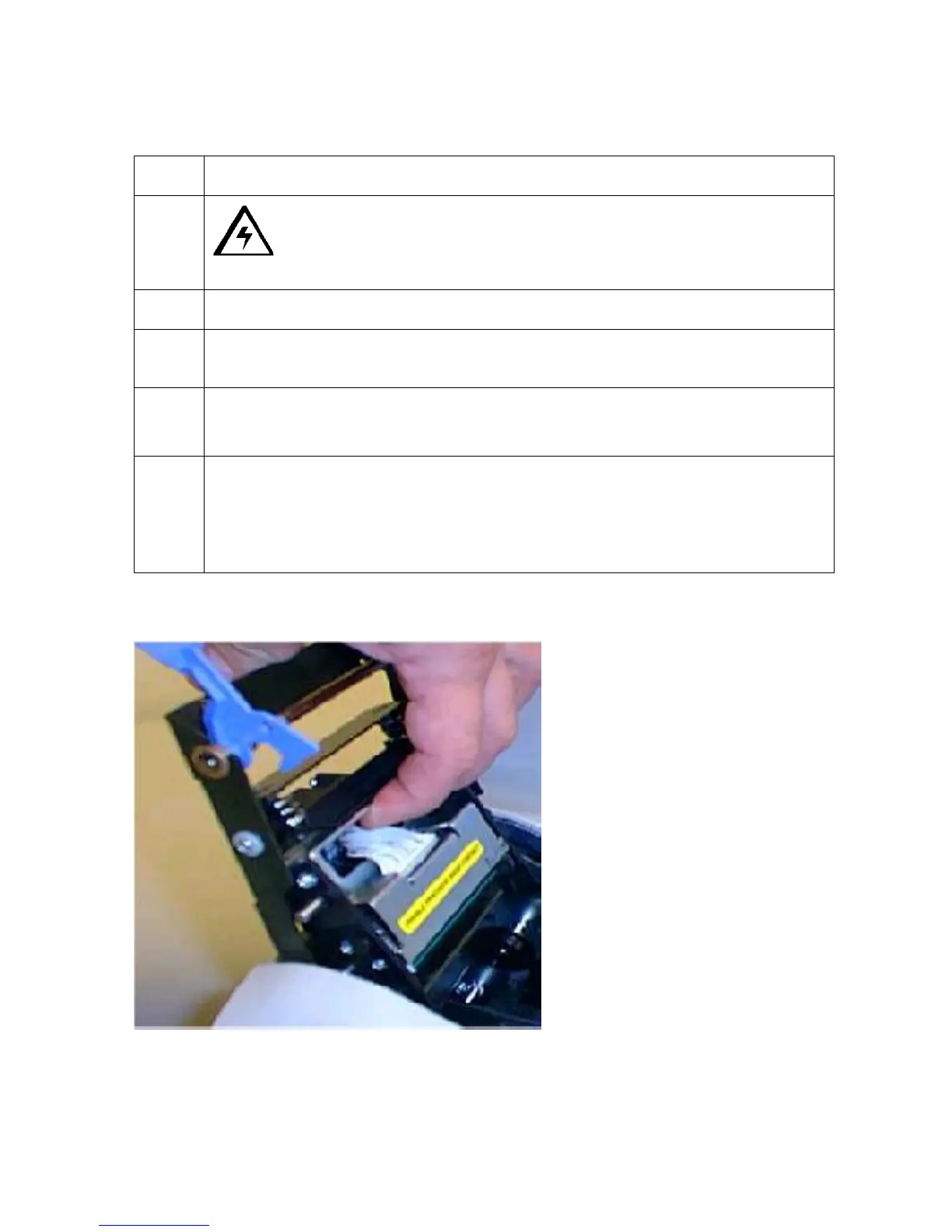
5 a. Lift up on the top bracket of the Printhead Assembly.
b. Compress the head springs (150074).
c. Rotate the Printhead Assembly out from the retaining hooks on the sides of
the Printhead Arm Assembly.
Continued on the next page











 To Next Page