RESTRICTED USE ONLY FARGO Electronics, Inc.
DTC500 Series Card Printer/Encoders Troubleshooting Guide (Rev. 3.0)
85
Resolving the cut off or off-center Card Image problems
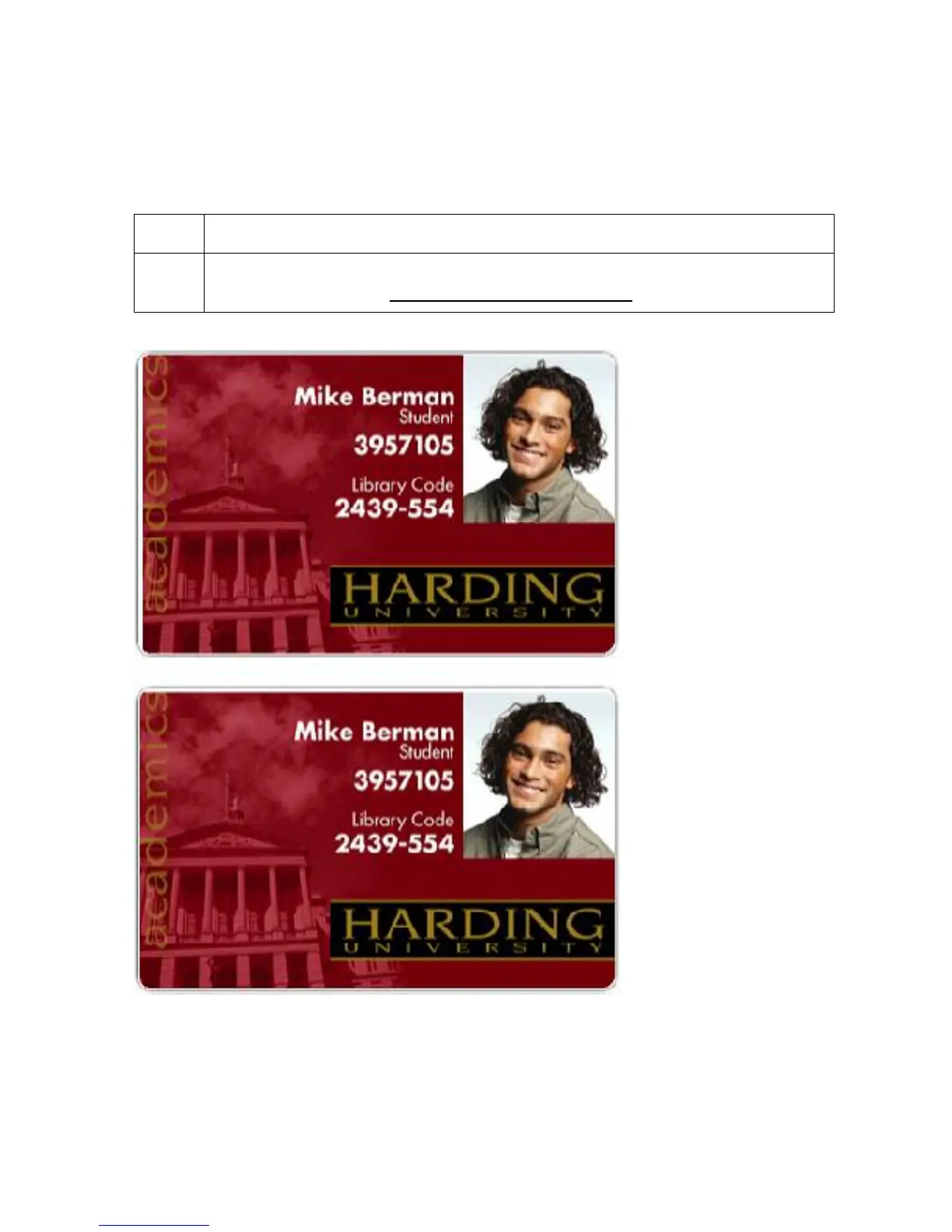
Symptom: The printing is cut off or is not centered on the card. This causes a white border
to appear on the card, as shown below.
Step Procedure
1 Use the Image Position within the Card tab of the Printer driver to precisely
center the image. See Using the Image Position button
on page 171.












 To Next Page