RESTRICTED USE ONLY FARGO Electronics, Inc.
DTC500 Series Card Printer/Encoders Troubleshooting Guide (Rev. 3.0)
86
Resolving the poor Image Quality problems
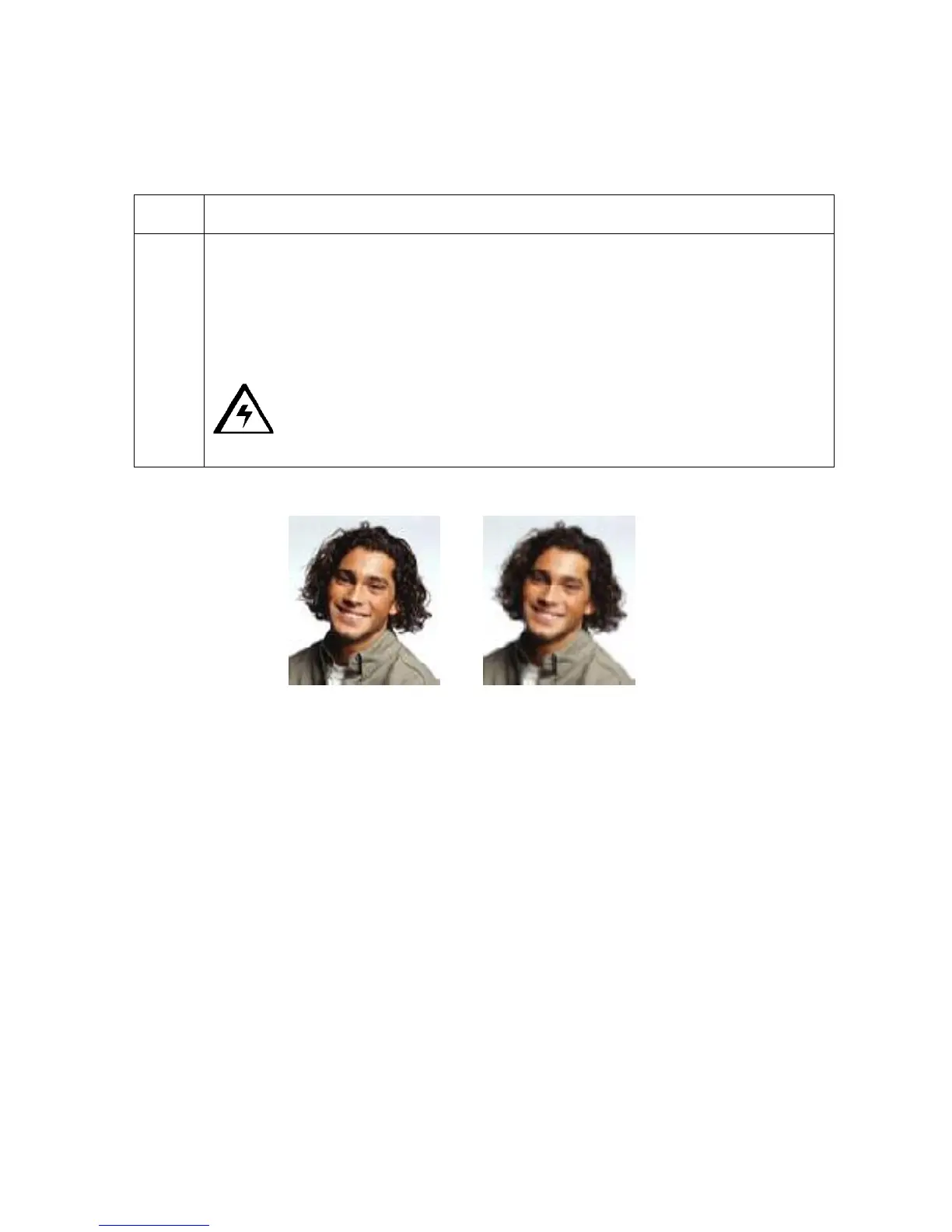
Symptom: The photos on the cards look pixilated or grainy, as shown below.
Step Procedure
1 Use a high-resolution, 24-bit color image to always capture an image:
• at a 24-bit color setting
• at 300 dpi
• at the same size that it will be printed on the card, (as captured either with a
scanner or with a digital camera)
Caution: If a small or low-resolution image is stretched or blown up, a
pixilated or grainy effect will occur when printing, as shown below.
Good Bad












 To Next Page