RESTRICTED USE ONLY FARGO Electronics, Inc.
DTC500 Series Card Printer/Encoders Troubleshooting Guide (Rev. 3.0)
18
Resolving the Communication Errors (continued)
Step Procedure
5 Determine the nature of the problem with printing from the application.
a. Print a self-test from the Printer to ensure that the Printer (itself) is
functioning properly. See the Printing the Self-test
on page 190.
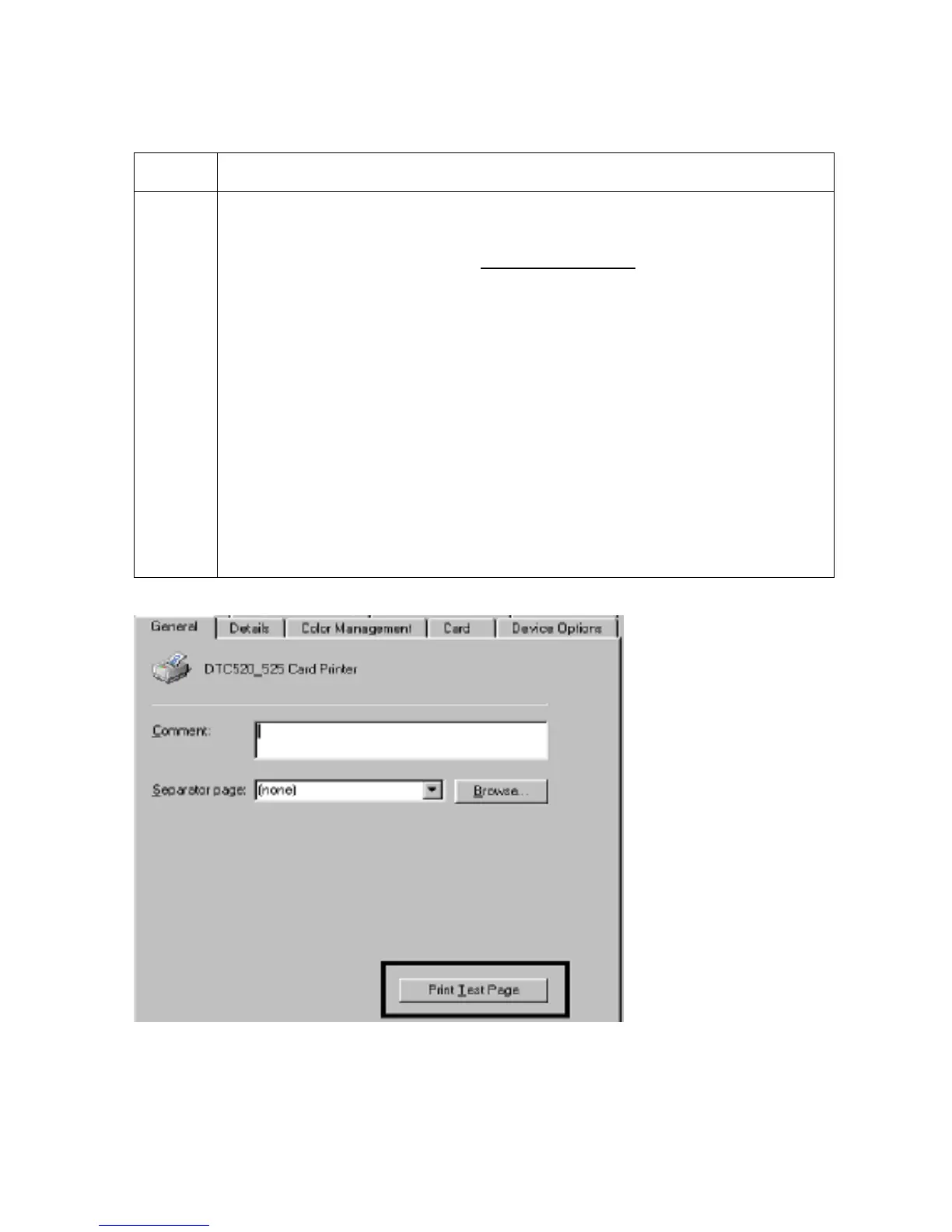
b. Print the Windows test page that is located in the General tab of the driver.
c. Use WordPad (a Windows 95/ 98/ ME/ NT/ 2000/XP word processing
program in the Accessories Program Group) via Start > Programs >
Accessories > WordPad. Follow this procedure:
• Open the program and type: “This is a Test.”
• Select File > Page Setup and click on the Printer button.
• Ensure that the DTC500 Series Card Printer/Encodersis selected and
click OK.
• Change all the margin settings to zero (0) and click OK.
• Select File > Print on the Menu Bar.
• Go to File on Menu Bar and select Print.
Continued on the next page











 To Next Page