RESTRICTED USE ONLY FARGO Electronics, Inc.
DTC500 Series Card Printer/Encoders Troubleshooting Guide (Rev. 3.0)
93
Loading the Overlaminate (continued)
Step Procedure
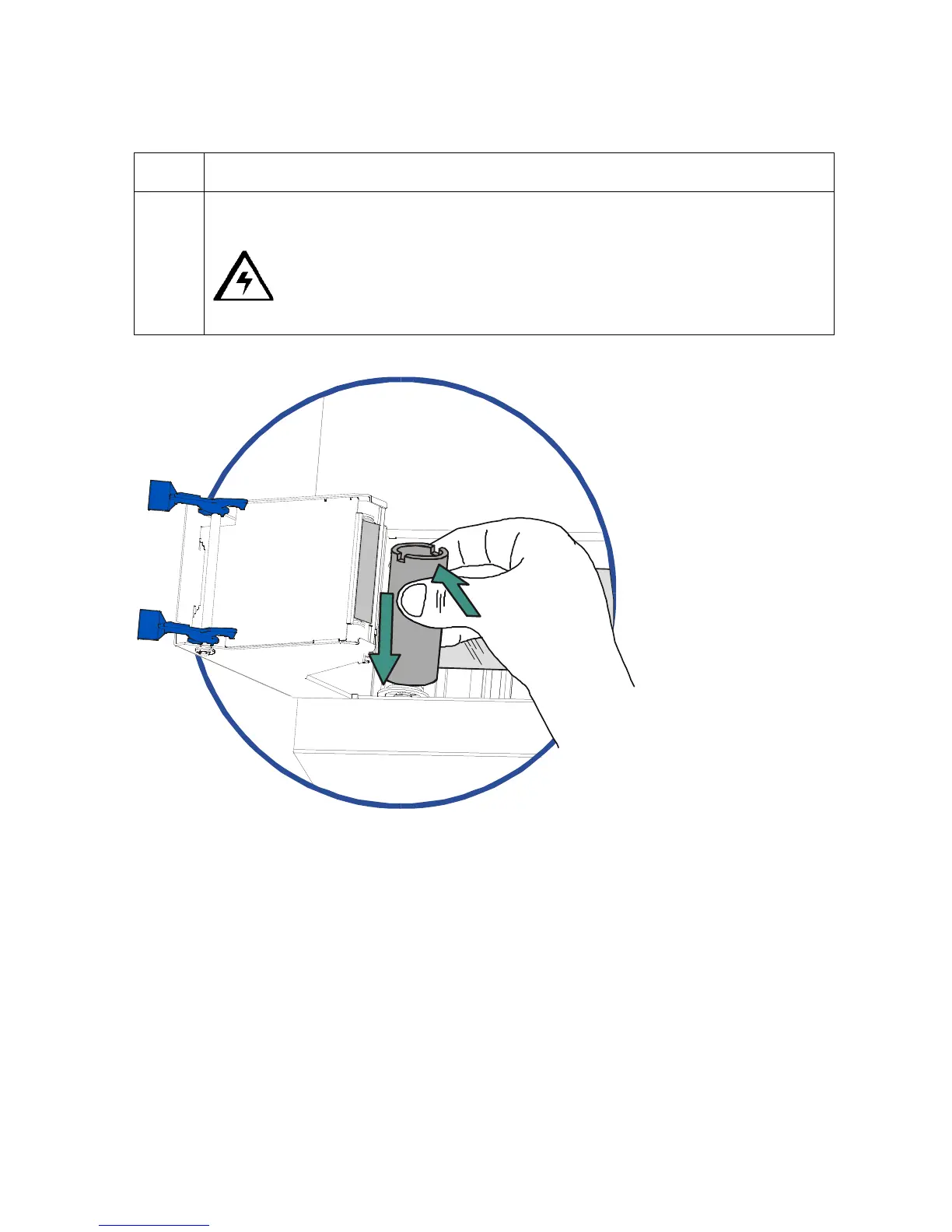
5 Close the lamination module. When you start to print, the Lamination Drive Hubs
will automatically engage the overlaminate core notches.
Caution: Do not reverse the overlaminate roll. Damage may occur to
the lamination Roller!











 To Next Page