RESTRICTED USE ONLY Fargo Electronics, Inc.
DTC500 Series Card Printer/Encoders User Guide (Rev. 5.0)
128
Resolving the cut off or off-center Card Image problems
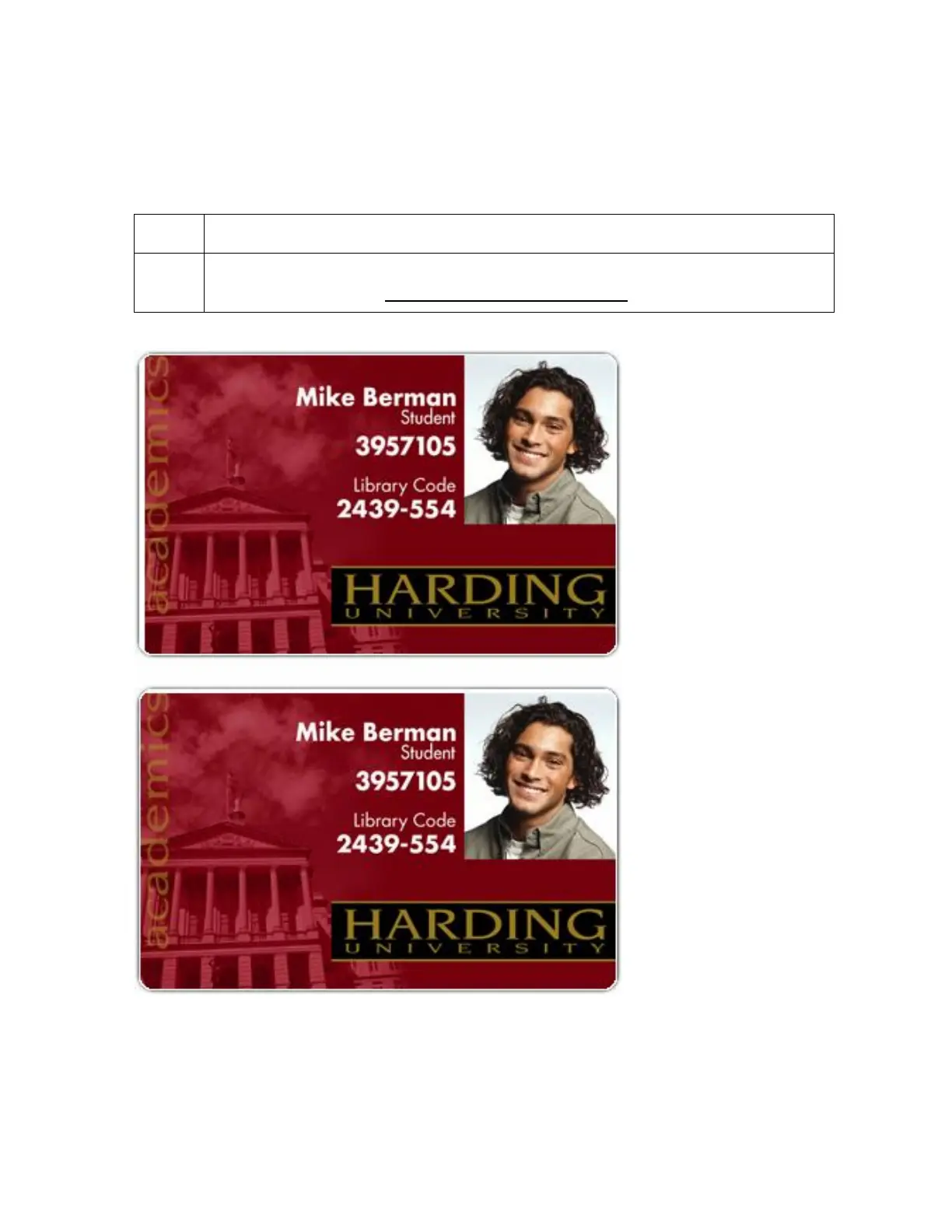
Symptom: The printing is cut off or is not centered on the card. This causes a white border
to appear on the card, as shown below.
Step Procedure
1 Use the Image Position within the Card tab of the Printer driver to precisely
center the image. See Using the Image Position button in Section 3, page 225.












 To Next Page