RESTRICTED USE ONLY Fargo Electronics, Inc.
DTC500 Series Card Printer/Encoders User Guide (Rev. 5.0)
191
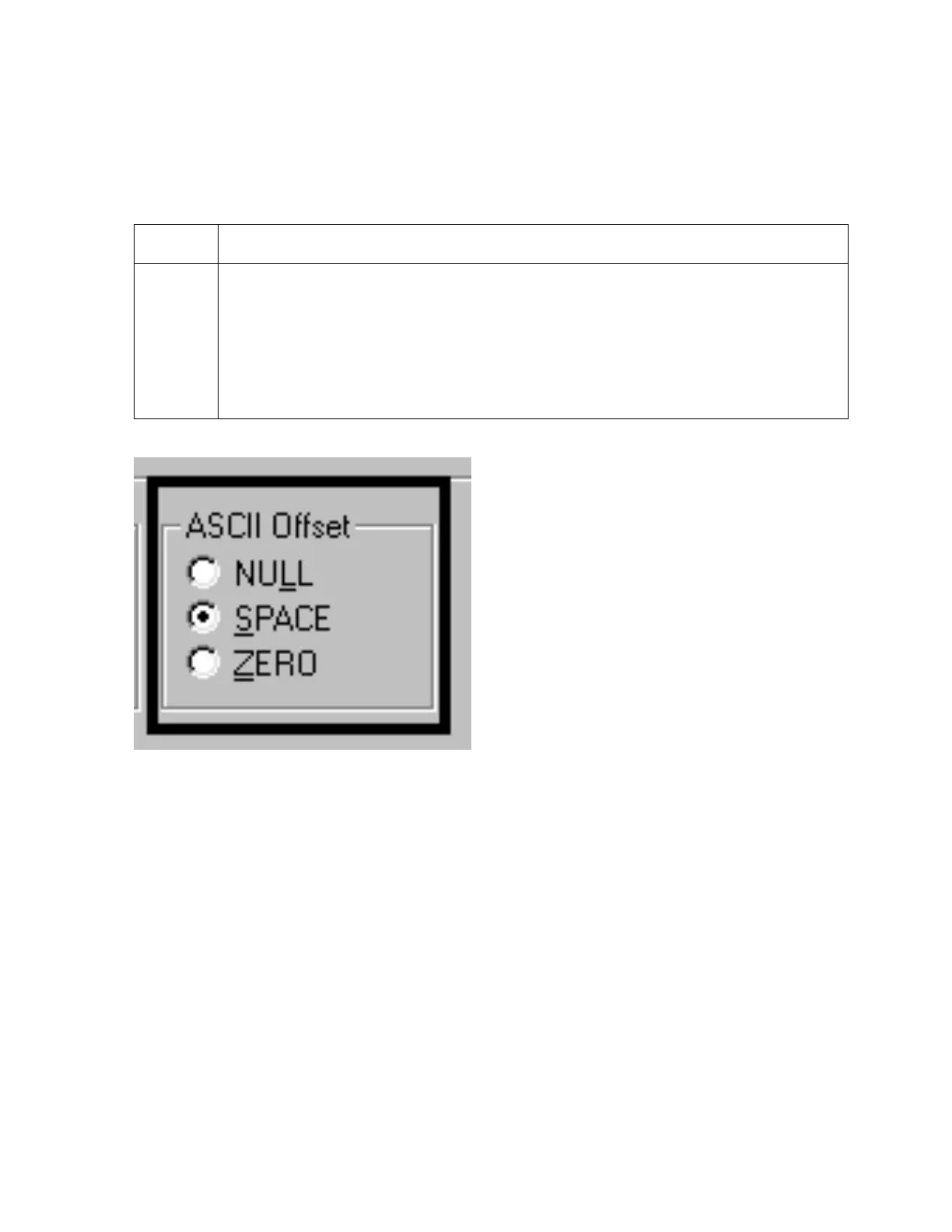
Using the ASCII Offset
Use this option to customize the Character ASCII Offset used to encode the magnetic data
on the currently selected track. (Note: This character-offset value is subtracted from the
ASCII value of each Magnetic Stripe data character prior to encoding on the track.)
Step Procedure
1 Select NULL to change the ASCII Offset to NULL.
OR
Select SPACE to change the ASCII Offset to SPACE.
OR
Select ZERO to change the ASCII Offset to ZERO.












 To Next Page