RESTRICTED USE ONLY Fargo Electronics, Inc.
DTC500 Series Card Printer/Encoders User Guide (Rev. 5.0)
222
Reviewing the Orientation
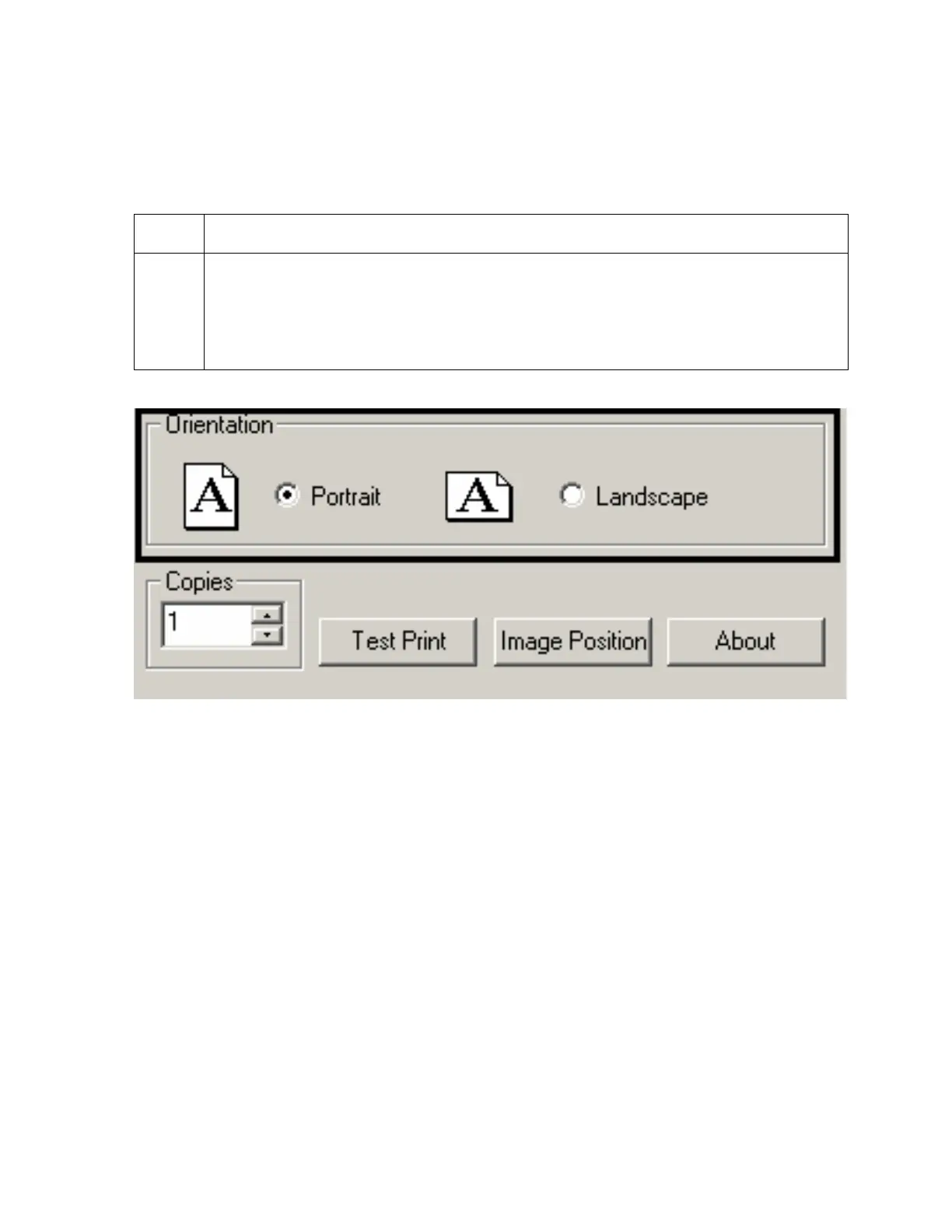
Select either the Portrait or Landscape radio buttons for Orientation. (Note: An icon
illustrating a printed card helps represent the difference between the two.)
Step Procedure
1
Select Portrait to cause the card to print in a vertical orientation.
OR
Select Landscape to cause the card to print in a horizontal orientation, as shown
on the below.
Specifying the Copies
Specifies the number of copies to be printed, as shown above.












 To Next Page