RESTRICTED USE ONLY Fargo Electronics, Inc.
DTC500 Series Card Printer/Encoders User Guide (Rev. 5.0)
230
Selecting the Lamination Side
Step Procedure
1
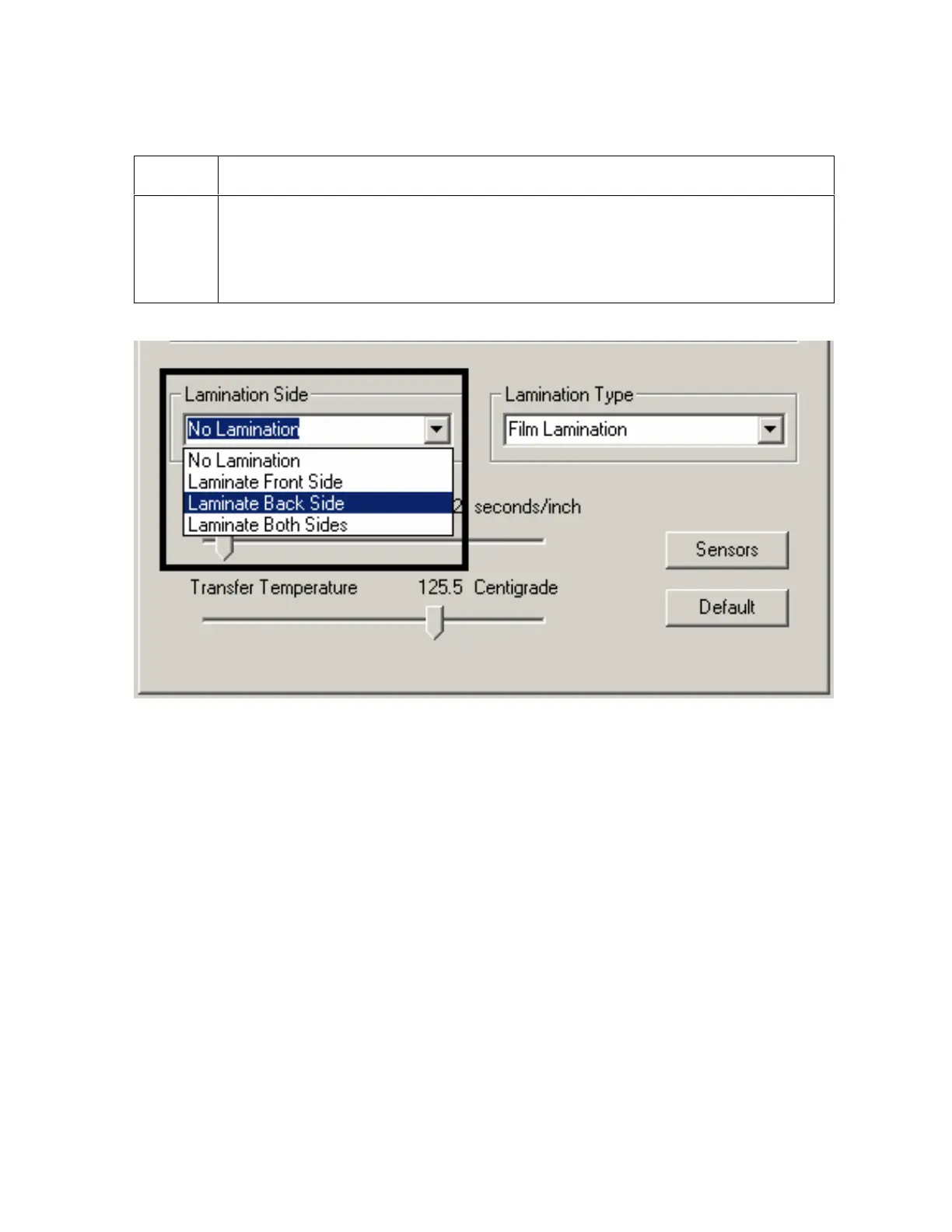
a. Select the No Lamination option if you do not want to use the Printer's
built-in laminator.
b. Select Laminate Front Side, Laminate Back Side or Laminate Both Sides to
specify the side(s) of the card to laminate.
Continued on the next page












 To Next Page