RESTRICTED USE ONLY Fargo Electronics, Inc.
DTC500 Series Card Printer/Encoders User Guide (Rev. 5.0)
299
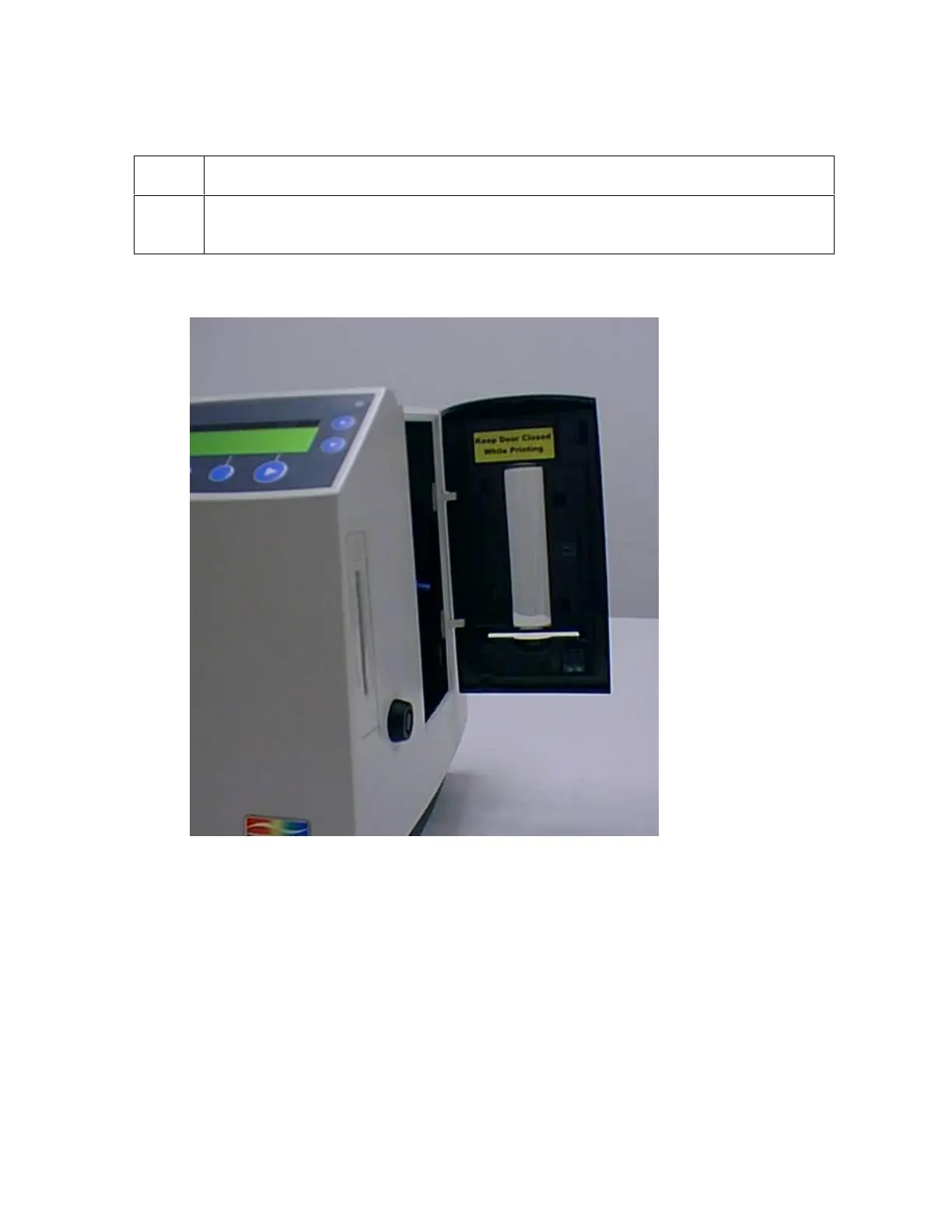
Applying the Close Door While Printing Label (L000188)
Step Procedure
1
Apply the Keep Door Closed While Printing Label (L000188) to the inside of
the Input Hopper door, as shown below.












 To Next Page