RESTRICTED USE ONLY Fargo Electronics, Inc.
DTC500 Series Card Printer/Encoders User Guide (Rev. 5.0)
180
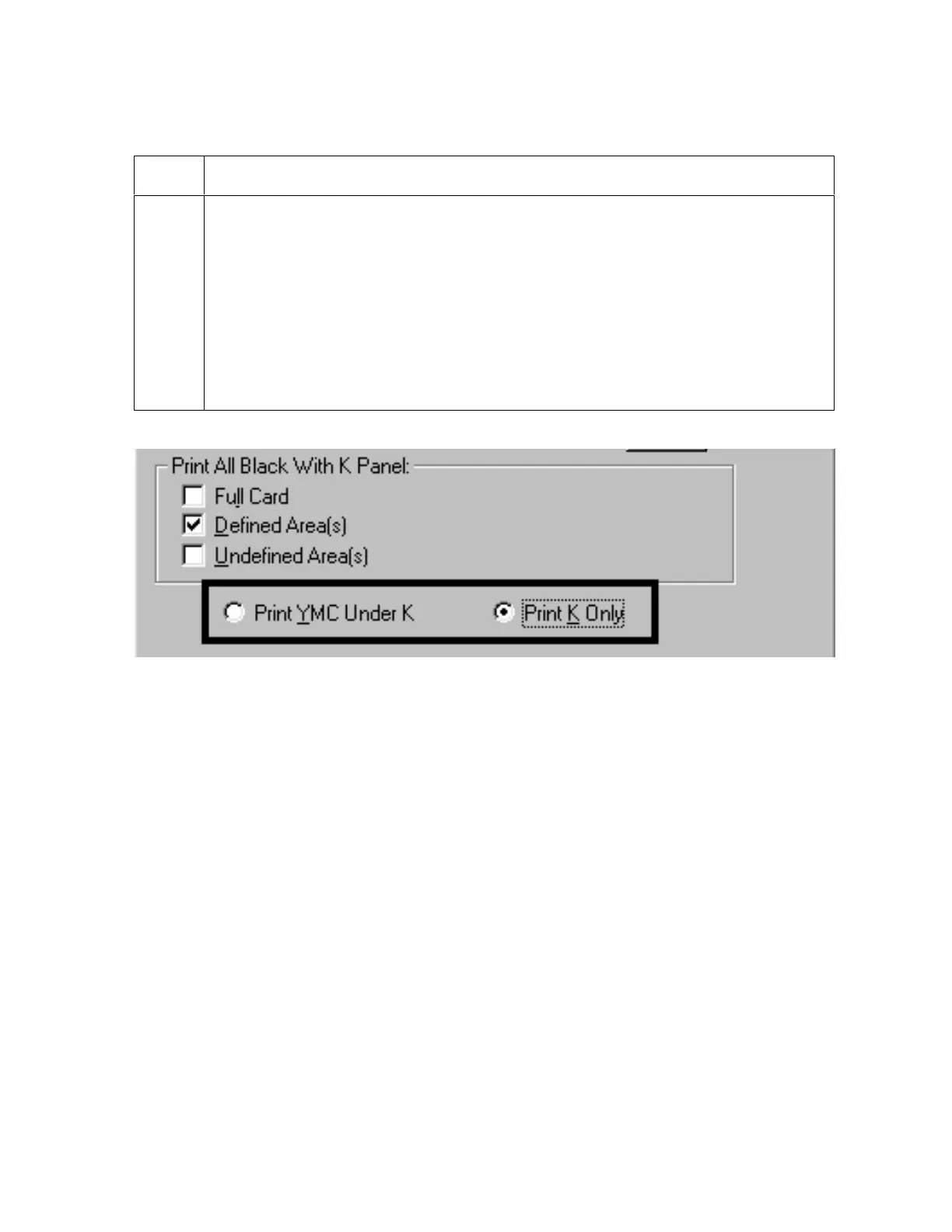
Selecting the Print YMC under the K and Print K Only options
Step Procedure
1
Select the Print YMC Under K option to print all black in the designated areas
with the Yellow (Y), Magenta (M) and Cyan (C) Ribbon panels directly beneath
the resin black (K) panel. (Note: Select this option if printing resin black text or
barcodes onto a colored background to provide a more gradual transition
between the two.)
OR
Select the Print K Only option (a) to print all black in the designated areas only
with the resin black (K) panel or (b) to print resin black onto a white background
to maximize the sharpness of printed text and barcodes.
Continued on the next page












 To Next Page