RESTRICTED USE ONLY Fargo Electronics, Inc.
DTC500 Series Card Printer/Encoders User Guide (Rev. 5.0)
293
Installing the new Card Input Hopper in the single Hopper units
(DTC510/520)
Step Procedure
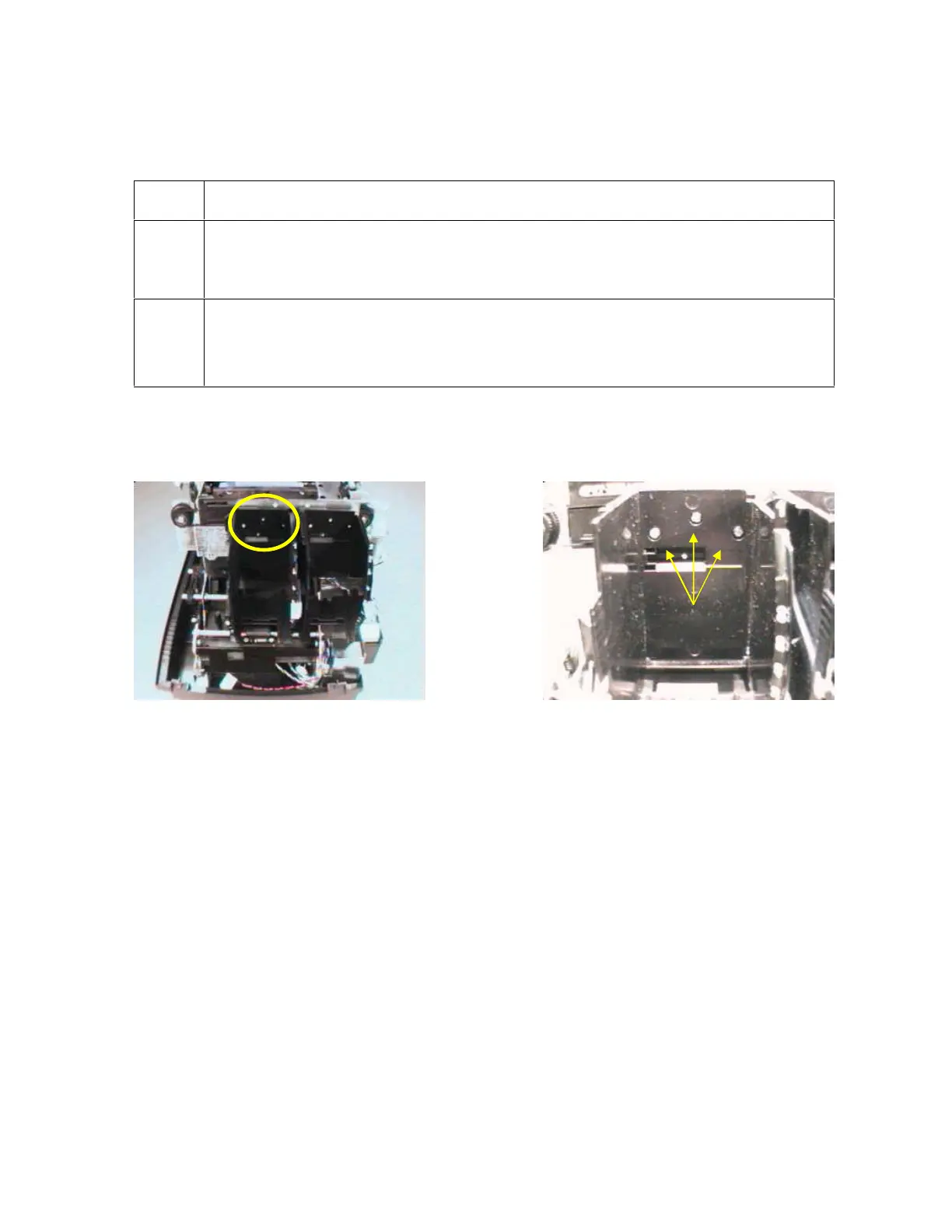
1 Turn the Card Input Hopper Lift Drive Gear (by hand ) in order to raise the
Hopper if the Hopper is not in the UP position. See below. (Note: This ensures
that the exception feed is clear.)
2 a. Face the Card Printer from the Card Input Hopper.
b. Remove the three (3) screws that hold the Card Input Hopper to the Frame,
as shown below (to the right).
Continued on the next page












 To Next Page