RESTRICTED USE ONLY Fargo Electronics, Inc.
DTC500 Series Card Printer/Encoders User Guide (Rev. 5.0)
292
Installing the Sensor Holder (continued)
Step Procedure
4
Seat the upper portion along the black Card Guide. (Note: Be sure it is fully
seated.)
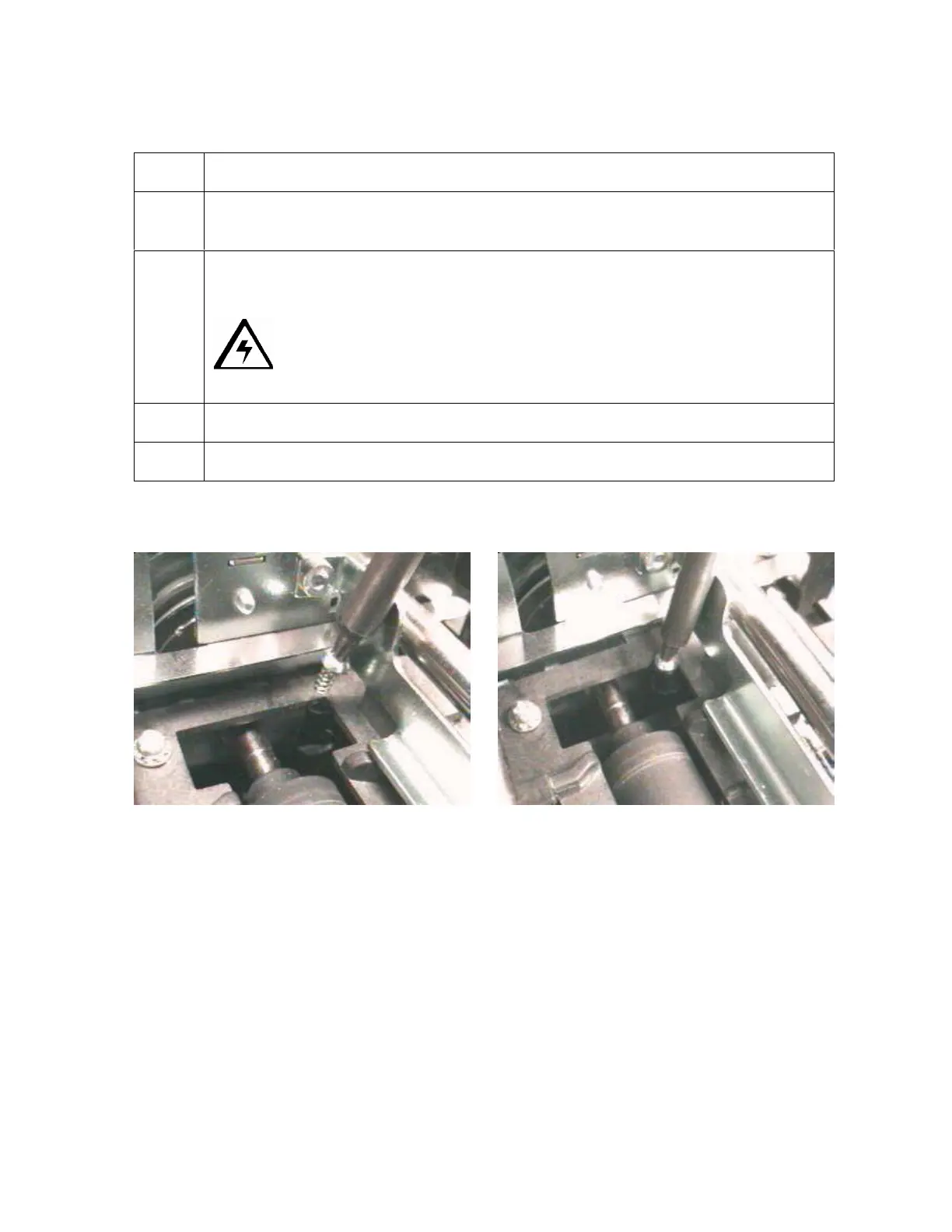
5 Tighten the Plastitie screw (F000177) into the Sensor holder, as shown below.
Caution: Do not overtighten. Do not use a power driver for this
process. Hand tighten only.
6 Lower the Print Arm.
7 Re-install the Card Output Hopper back into its position.












 To Next Page