RESTRICTED USE ONLY Fargo Electronics, Inc.
DTC500 Series Card Printer/Encoders User Guide (Rev. 5.0)
291
Installing the Sensor Holder (continued)
Step Procedure
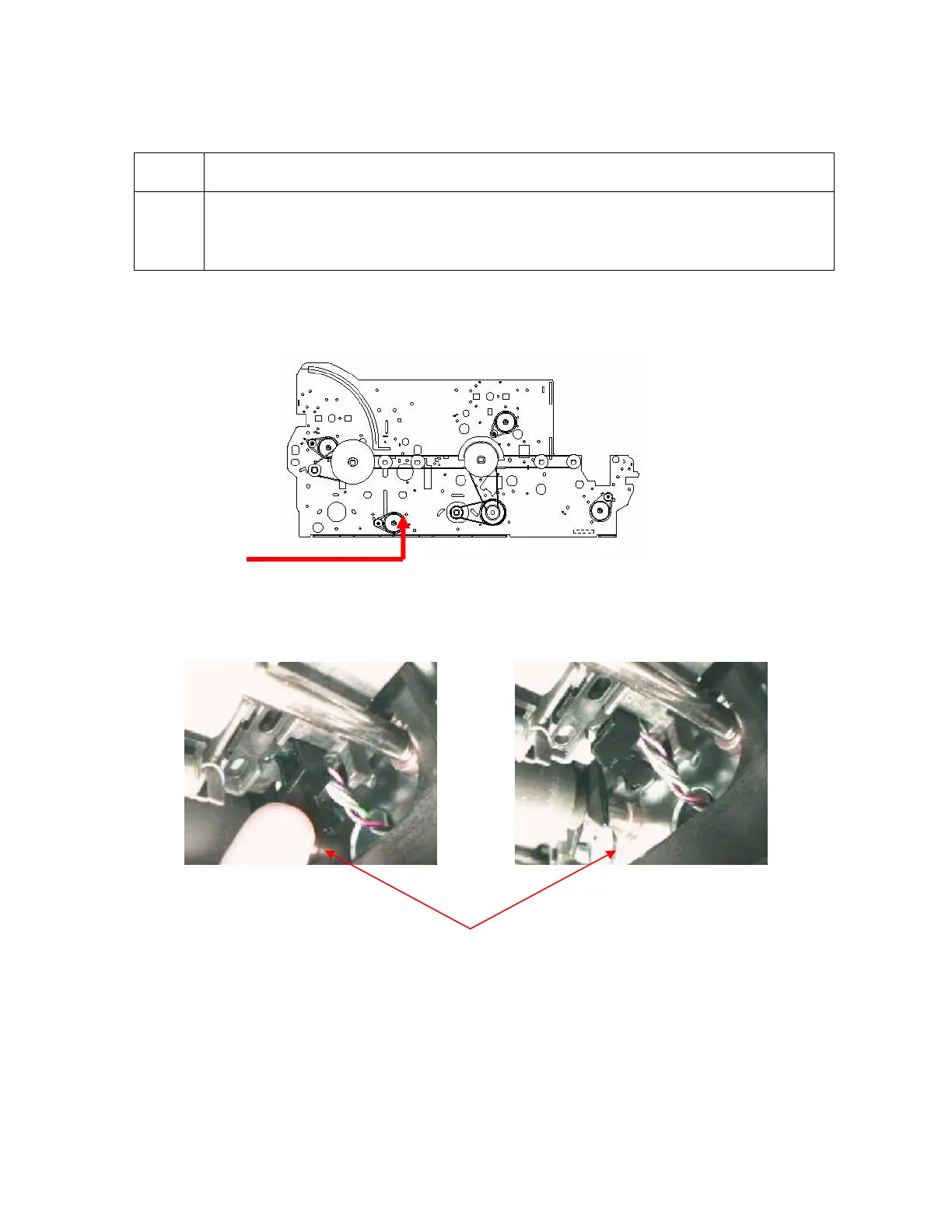
3 Reach through the Output Hopper opening with the Sensor holder and press
onto the underside of the TOF Sensor. (Note: Hold the Sensor to your fingertip
with two-sided tape for careful, steady Sensor installation.)
Continued on the next page
Holder Fully Seated
See (above) the underside view of the TOF Holder.
Pressing Holder onto TOF
See (above) the path to install the TOF Holder.












 To Next Page