RESTRICTED USE ONLY Fargo Electronics, Inc.
DTC500 Series Card Printer/Encoders User Guide (Rev. 5.0)
302
Powering up the Unit and confirming its Ready status
Step Procedure
1 Load the YMCKO Ribbon into the Printer.
2 With the Power Switch turned OFF, insert the Power Cord into the Power Port,
located on the back of the Printer.
3 Insert the other end of the Power Cord into an available outlet.
4 Connect the Printer to PC using parallel cable.
5
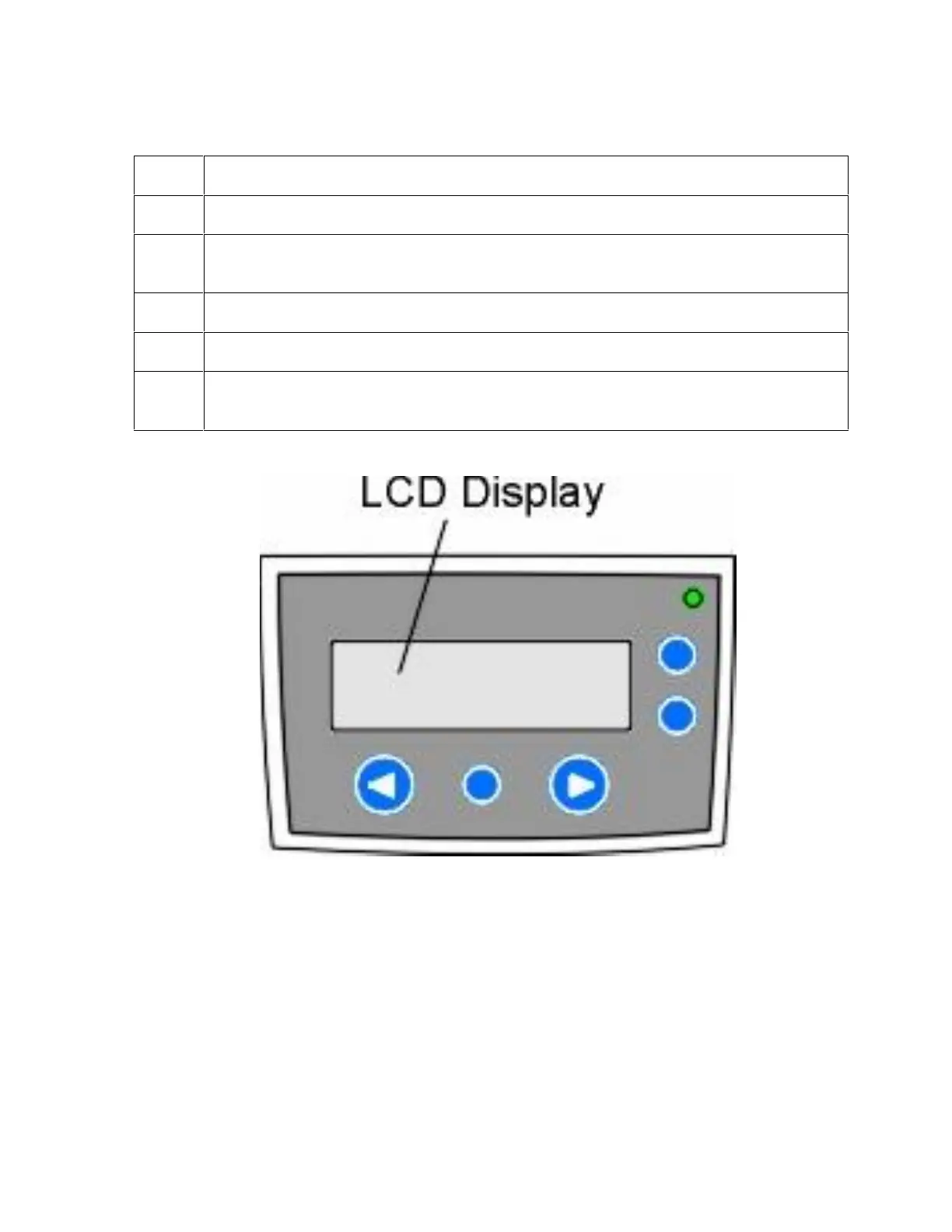
Press or turn ON the Power Switch to the Printer. (Note: Once the Printer's start-
up sequence is completed, the LCD should read READY.)












 To Next Page