RESTRICTED USE ONLY Fargo Electronics, Inc.
DTC500 Series Card Printer/Encoders User Guide (Rev. 5.0)
167
Using the Image Color tab
Use this tab to adjust the color properties.
Step Procedure
1
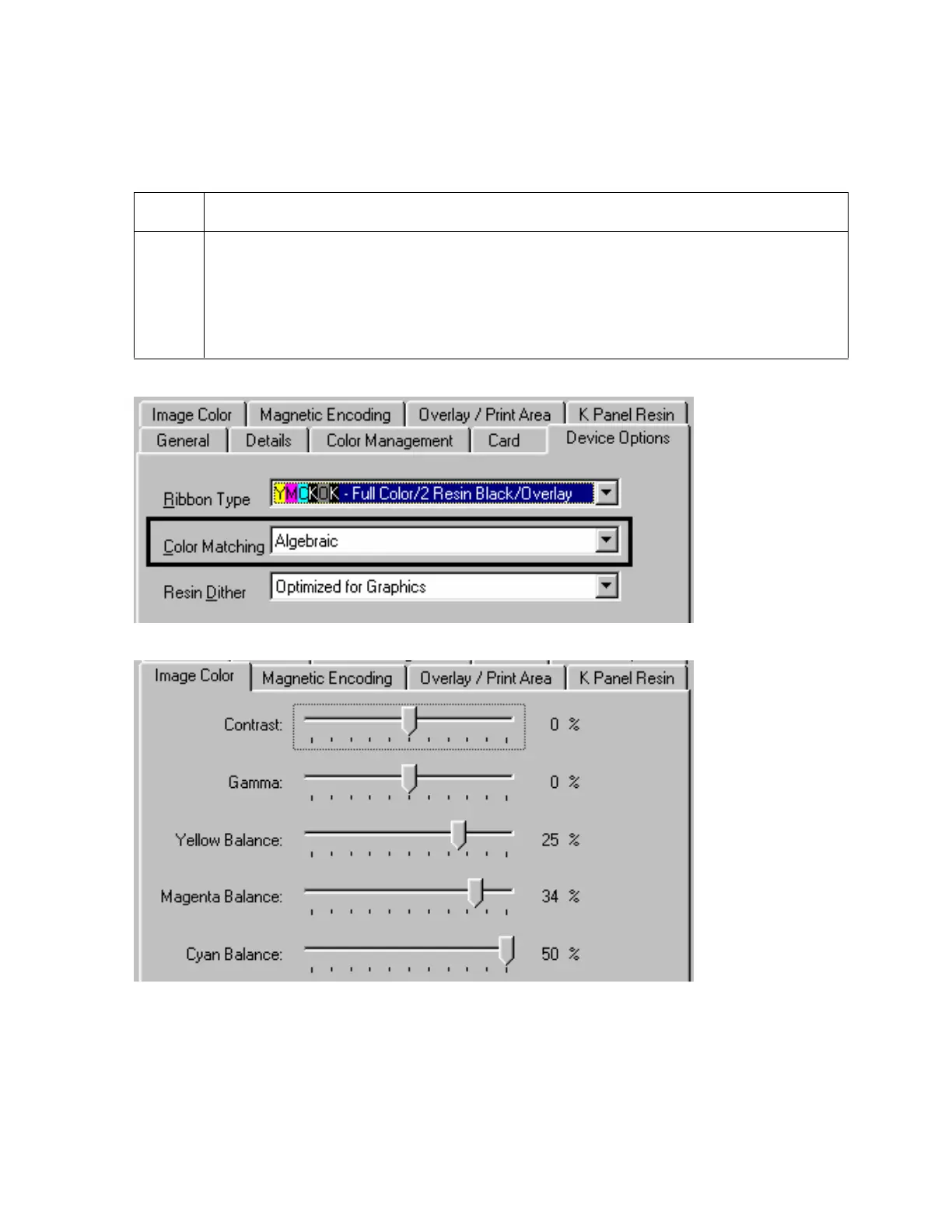
Select the Algebraic Color Matching option (see the Device options tab window,
shown below) to control the Contrast and Gamma of the printed image, as well as
the individual color balance of Yellow, Magenta and Cyan (see the Image Color
tab window, shown below).
In most cases, the default settings of these options will suffice.
Continued on the next page












 To Next Page