RESTRICTED USE ONLY Fargo Electronics, Inc.
DTC500 Series Card Printer/Encoders User Guide (Rev. 5.0)
209
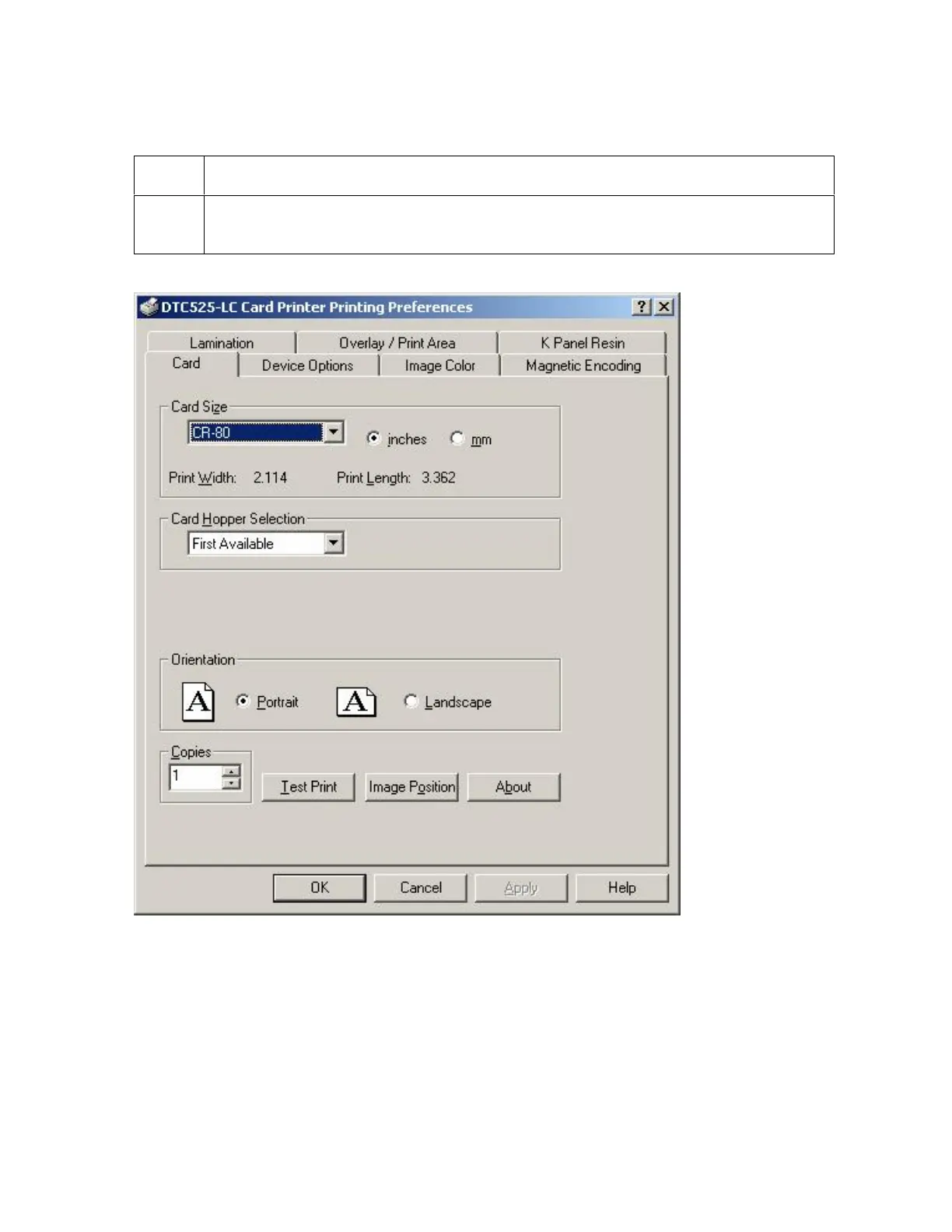
Selecting Orientation - Portfolio under Card tab
Step Procedure
1 Select the Portrait radio button (below) under Orientation under the Card Size
tab to use the Visual Security Solutions (E to H), as shown in this window.












 To Next Page