RESTRICTED USE ONLY Fargo Electronics, Inc.
DTC500 Series Card Printer/Encoders User Guide (Rev. 5.0)
210
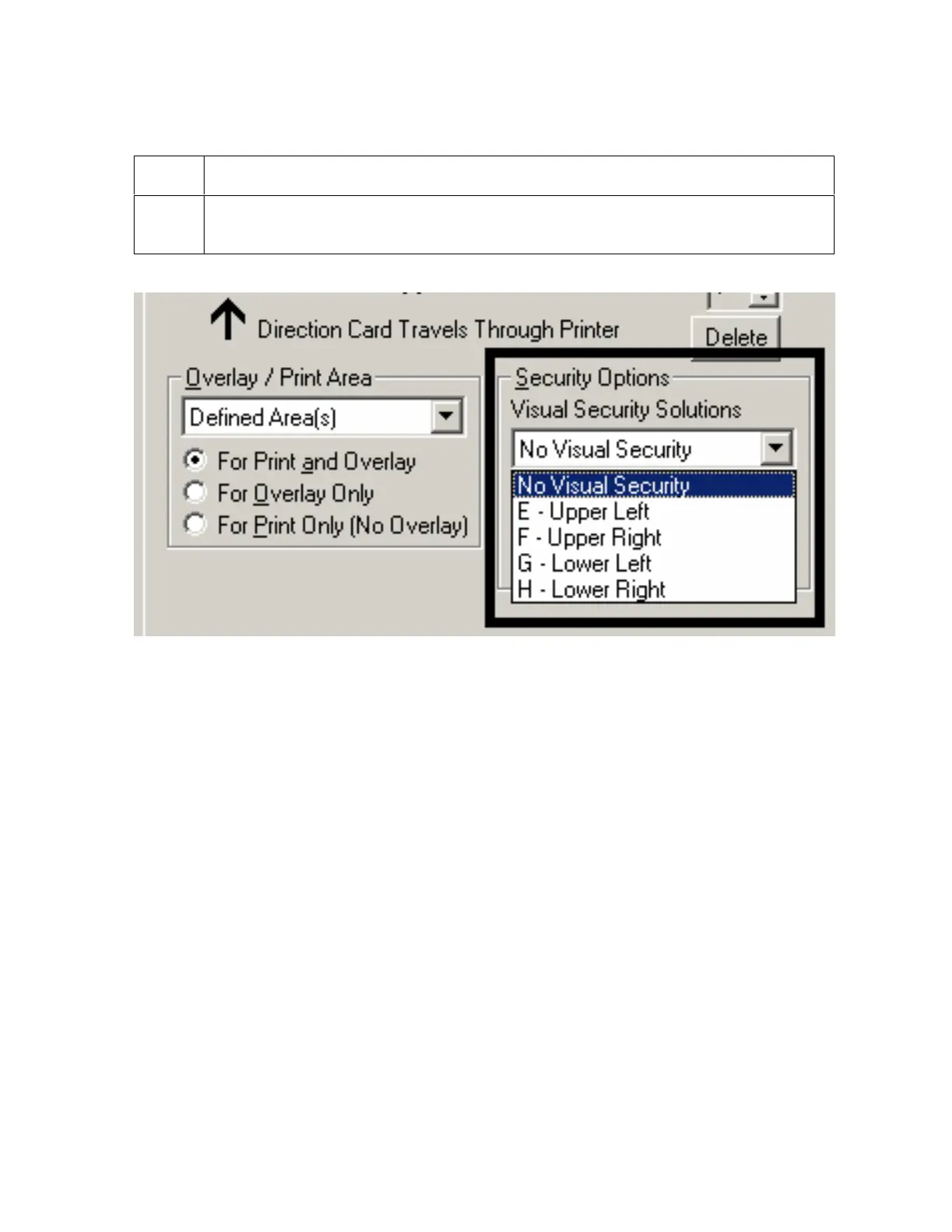
Selecting the Visual Security Solutions dropdown menu (E to H)
Step Procedure
1 Click on the Visual Security Solutions dropdown menu under the Portrait -
Orientation (see above) to use the options shown below.












 To Next Page