RESTRICTED USE ONLY Fargo Electronics, Inc.
DTC500 Series Card Printer/Encoders User Guide (Rev. 5.0)
287
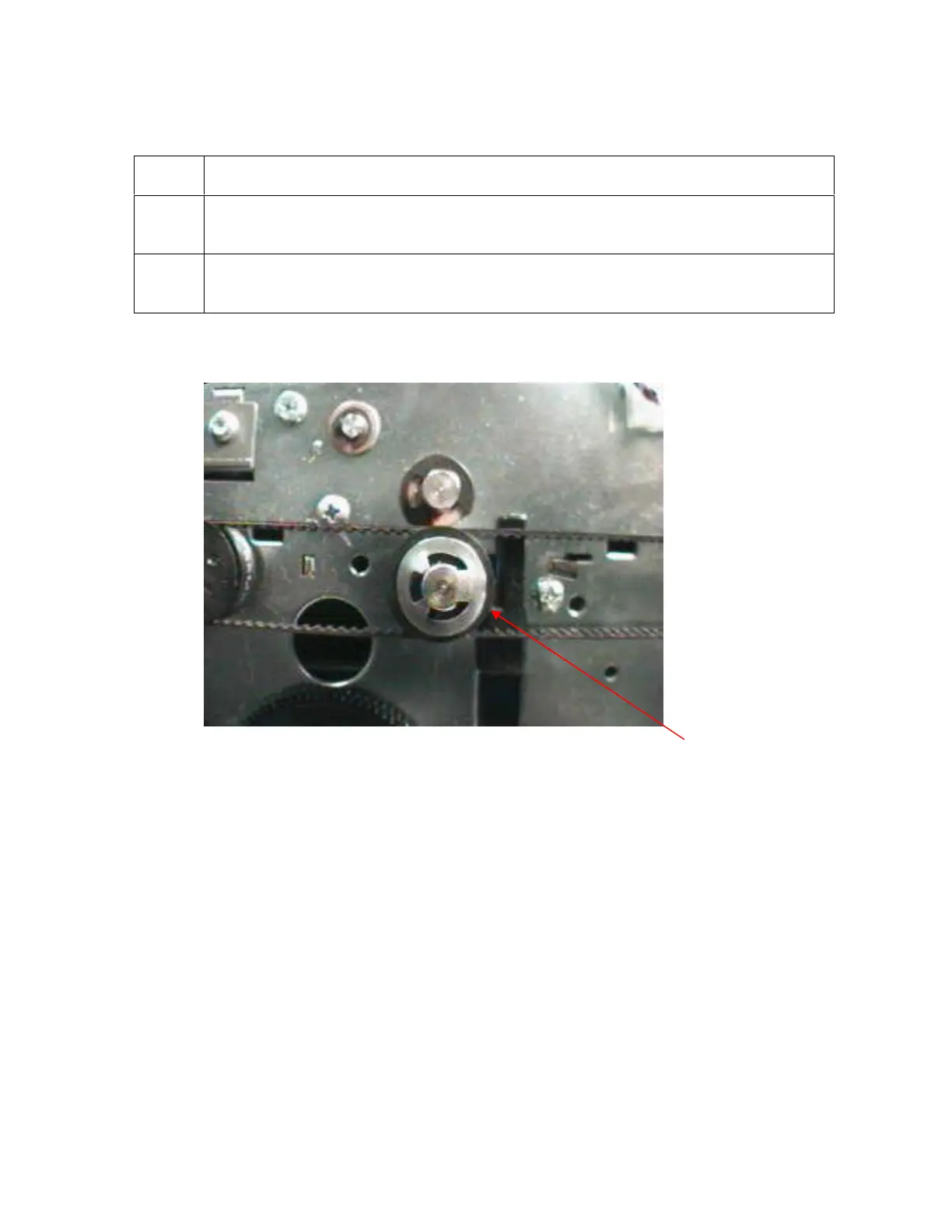
Installing the Push-Clip onto the Drive Roller
Step Procedure
1 Push the metal Clip onto end of the Feed Roller until it is seated against Pulley
face, as shown below.
2 Confirm that the Clip is fully seated and secure in order to ensure that it will not
pull off.
Clip on












 To Next Page