RESTRICTED USE ONLY Fargo Electronics, Inc.
DTC500 Series Card Printer/Encoders User Guide (Rev. 5.0)
262
Adjusting the Ribbon Tension
Step Procedure
1
Choose MENU, Print Test Image and Gray/Align YMC to print a test card.
2
Select MENU, Setup Printer and Ribbon Tension.
3
Record the Ribbon Tension value on the test card (you just printed).
4
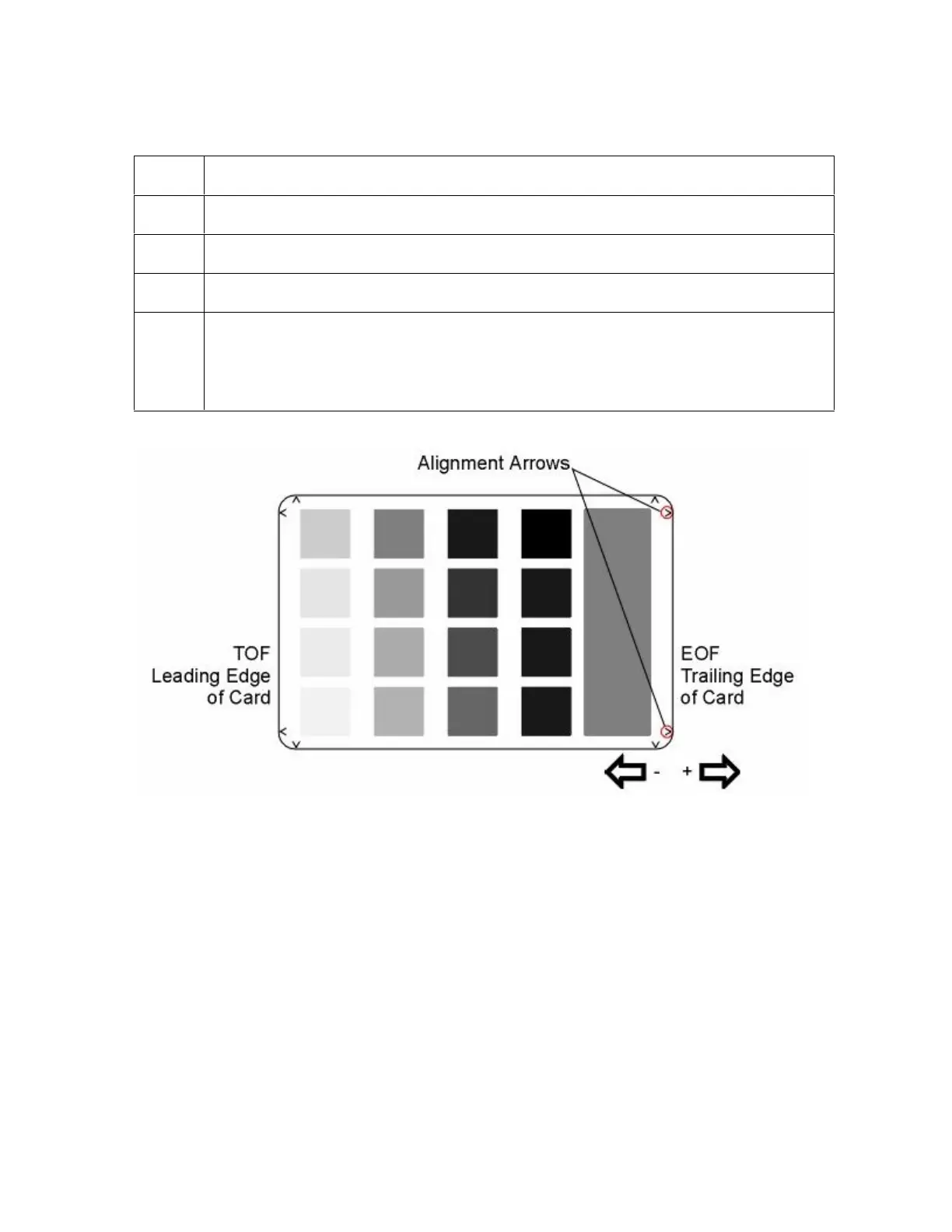
Examine the test card. (Note: When centered properly, the Alignment Arrows
should appear just at the edge of the card's Trailing edge. If the test card does
not look like the sample shown below, go to step 5 to adjust the Ribbon
Tension.)












 To Next Page