RESTRICTED USE ONLY Fargo Electronics, Inc.
DTC500 Series Card Printer/Encoders User Guide (Rev. 5.0)
261
Setting the Print EOF (continued)
Step Procedure
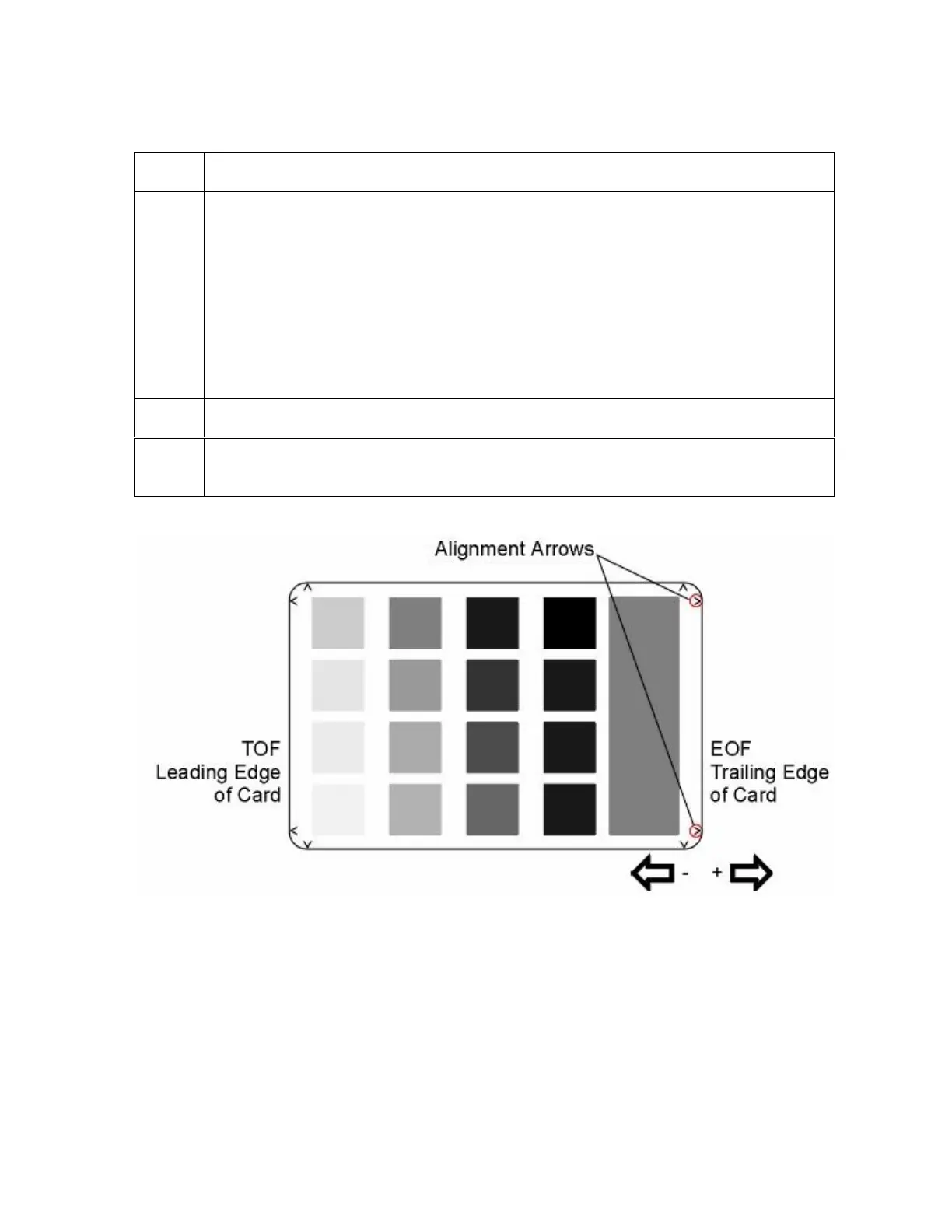
5 a. Decrease the Print EOF value to move the printed image more toward the
leading edge of the card.
b. Increase the Print EOF value to move the printed image more toward the
trailing edge of the card.
The numbers being entered for the settings are in ½ pixels.
The number of pixels is equal to the measurement in inches times 600 or
the measurement in mm times 23.6. (For example, 0.100 inches or
2.54mm equals 60 increments on the LCD.)
6
Press SELECT to save the value. Print a test card as described in step 1.
7 Repeat Steps 1 to 6 (above) until the Test Image is correctly positioned or
Ribbon wrinkle is alleviated.












 To Next Page