RESTRICTED USE ONLY Fargo Electronics, Inc.
DTC500 Series Card Printer/Encoders User Guide (Rev. 5.0)
285
Inspecting the Drive Pulley
Step Procedure
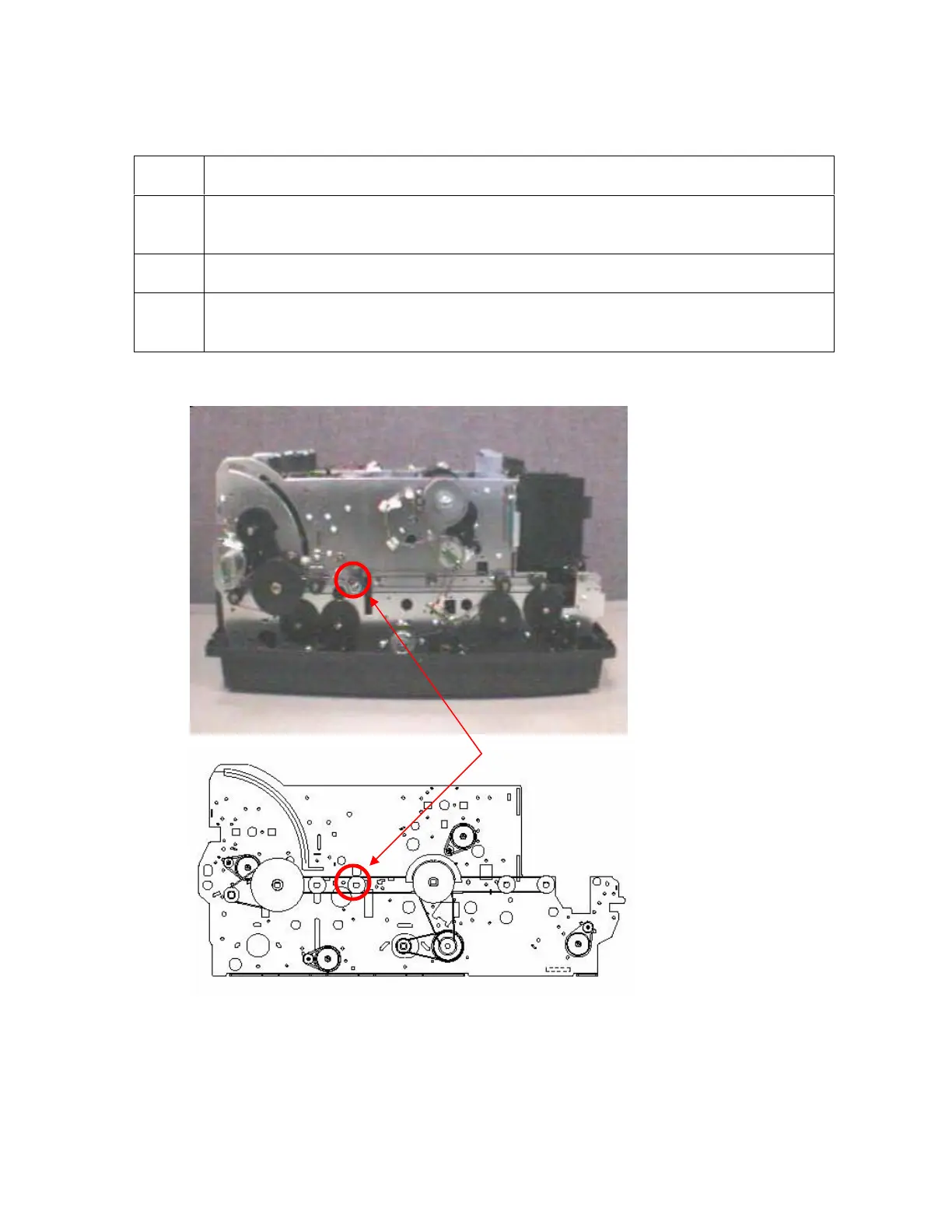
1 Locate the Drive Roller to the right of the Platen at the front of the Printer, as
shown below.
2 Turn the Pulley by hand to determine whether it is firm or it is not firm.
3
If the Pulley is firm, continue to the next procedure. (Note: This means that
Pulley does not move without rotating the Shaft.)
Continued on the next page












 To Next Page