RESTRICTED USE ONLY Fargo Electronics, Inc.
DTC500 Series Card Printer/Encoders User Guide (Rev. 5.0)
290
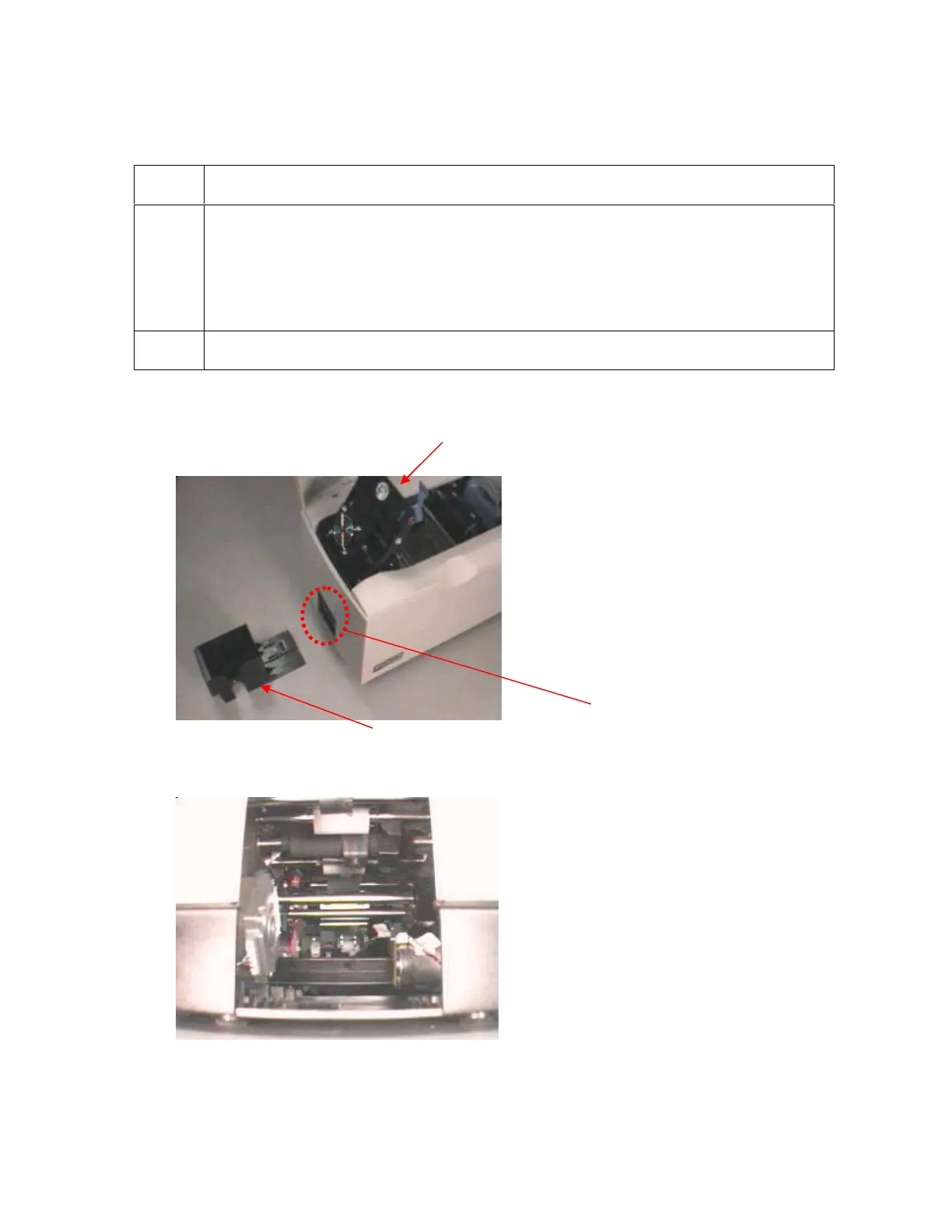
Installing the Sensor Holder
Step Procedure
1 Remove the Card Output Hopper.
a. Pull the Card Output Hopper out until it reaches its stop.
b. Pull back on the tab on the under side of the Printer's Baseplate.
c. Remove the Card Output Hopper from the Printer.
2 Lift out the Print Arm.
Continued on the next page
Print Arm
View inside Printer from
Output Hopper












 To Next Page