RESTRICTED USE ONLY Fargo Electronics, Inc.
DTC500 Series Card Printer/Encoders User Guide (Rev. 5.0)
41
Printer Components: LCD and Softkey Control Pad (continued)
Component Description
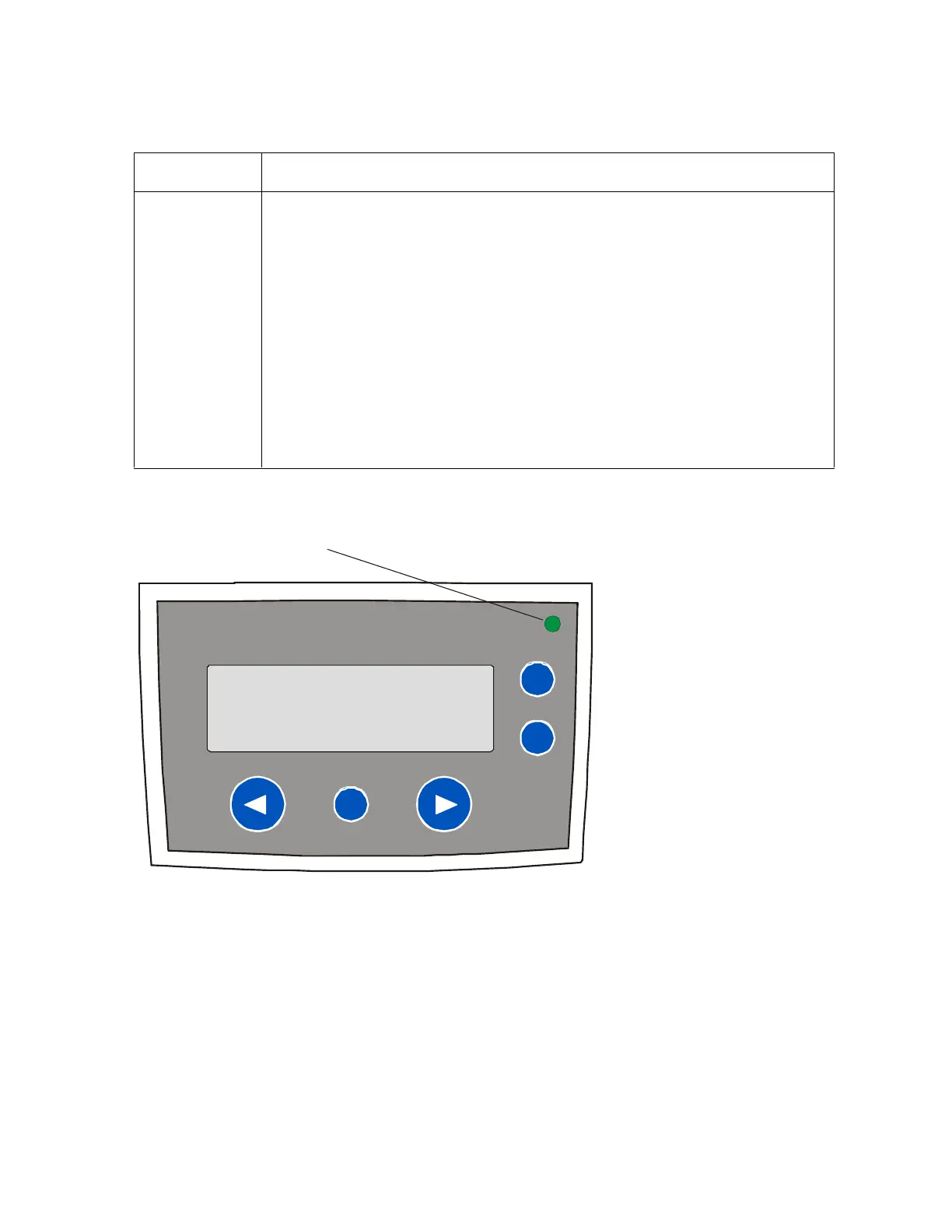
LED light This light works in conjunction with the Printer's LCD display to help
communicate the Printer's current status. (Note: It is especially effective
when the User is too far away from the Printer to read the LCD display.)
The following explains how to interpret both LED lights on the exterior of
the Printer.
Off: Indicates the Printer power is OFF.
Solid GREEN: Indicates the Printer is powered ON and ready for
operation.
Flashing GREEN: Indicates a Printer ERROR or ATTENTION
condition. (Note: Refer to the Printer's LCD display for information.)
Continued on the next page












 To Next Page