RESTRICTED USE ONLY Fargo Electronics, Inc.
DTC500 Series Card Printer/Encoders User Guide (Rev. 5.0)
130
Printing a Test Image
Step Procedure
1
Choose Print Test Image to select a preset test image. (Note: These images
help to determine if the Printer is functioning properly.)
2
Scroll to the desired test image from the Select Test Image options and press the
Select button.
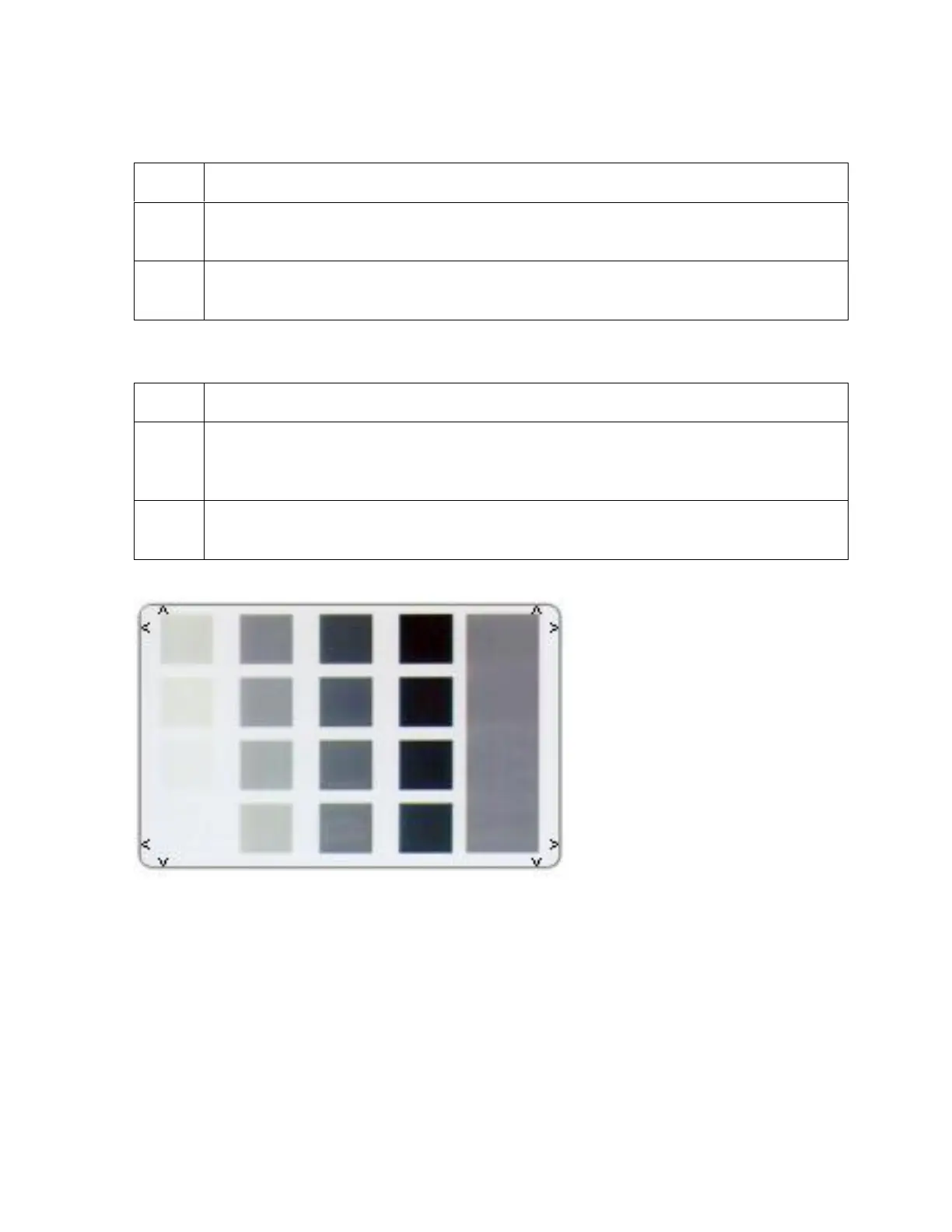
Reviewing the Gray/Align YMC/K Self-Test
Step Procedure
1 Use this card to determine Image Placement and confirm that the Printer is
working properly. (Note: The image consists of sixteen (16) gray scale boxes and
alignment arrows.)
2
Adjust the Image Placement. (Note: The gray boxes are composed from a
composite of YMC color panels.)












 To Next Page