RESTRICTED USE ONLY Fargo Electronics, Inc.
DTC500 Series Card Printer/Encoders User Guide (Rev. 5.0)
294
Installing the new Card Input Hopper in the single Hopper units (DTC510/520)
(continued)
Step Procedure
3 Slide the Card Input Hopper to the left in order to remove it from the Track, as
shown below.
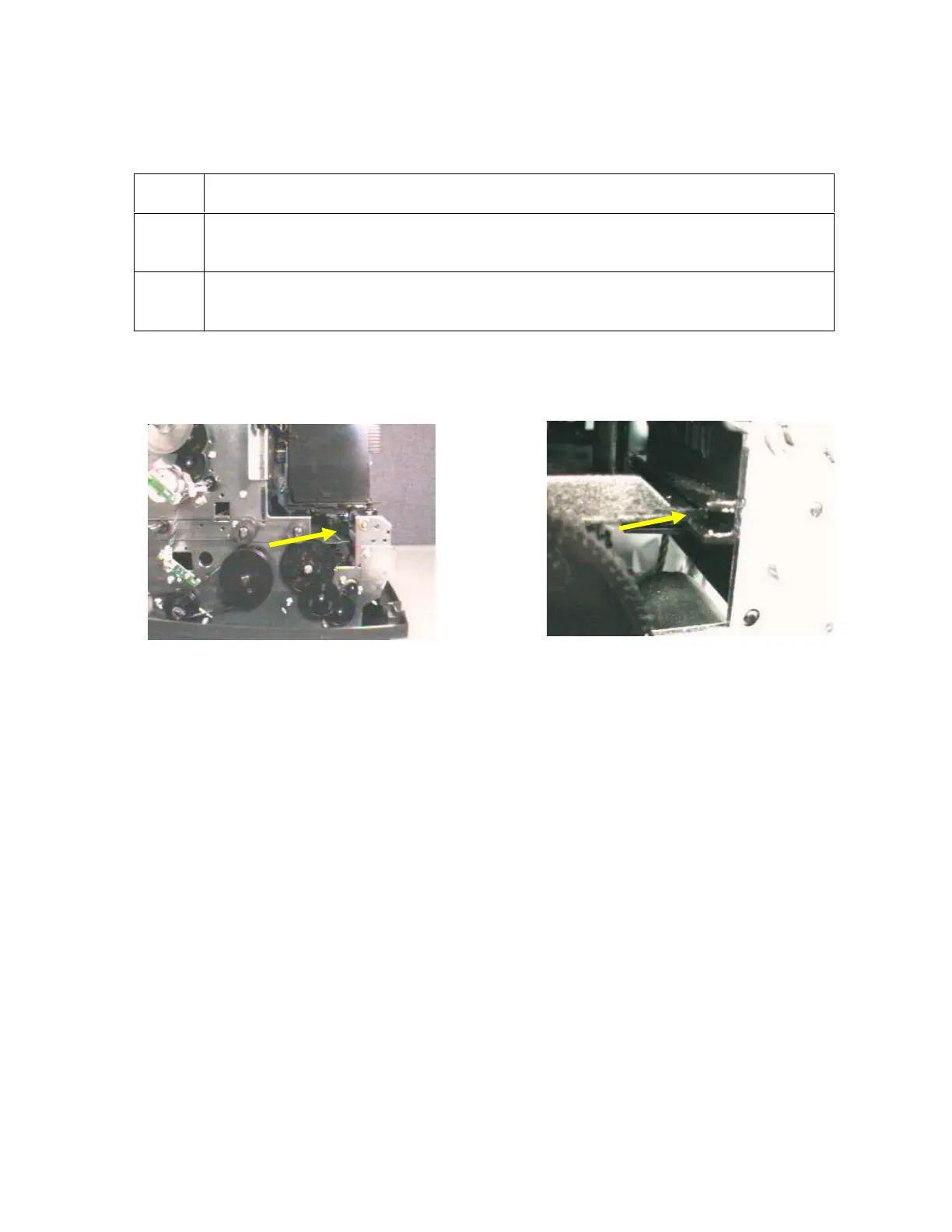
4 Install the new Card Input Hopper by sliding it to the right, as shown below.
(Note: Ensure that the plastic guide is set along the Track.)
Continued on the next page
See (above) the Hopper Track.
See (above ) a Hopper Track.












 To Next Page