RESTRICTED USE ONLY Fargo Electronics, Inc.
DTC500 Series Card Printer/Encoders User Guide (Rev. 5.0)
142
Adjusting the Card Guide Rail (continued)
Step Procedure
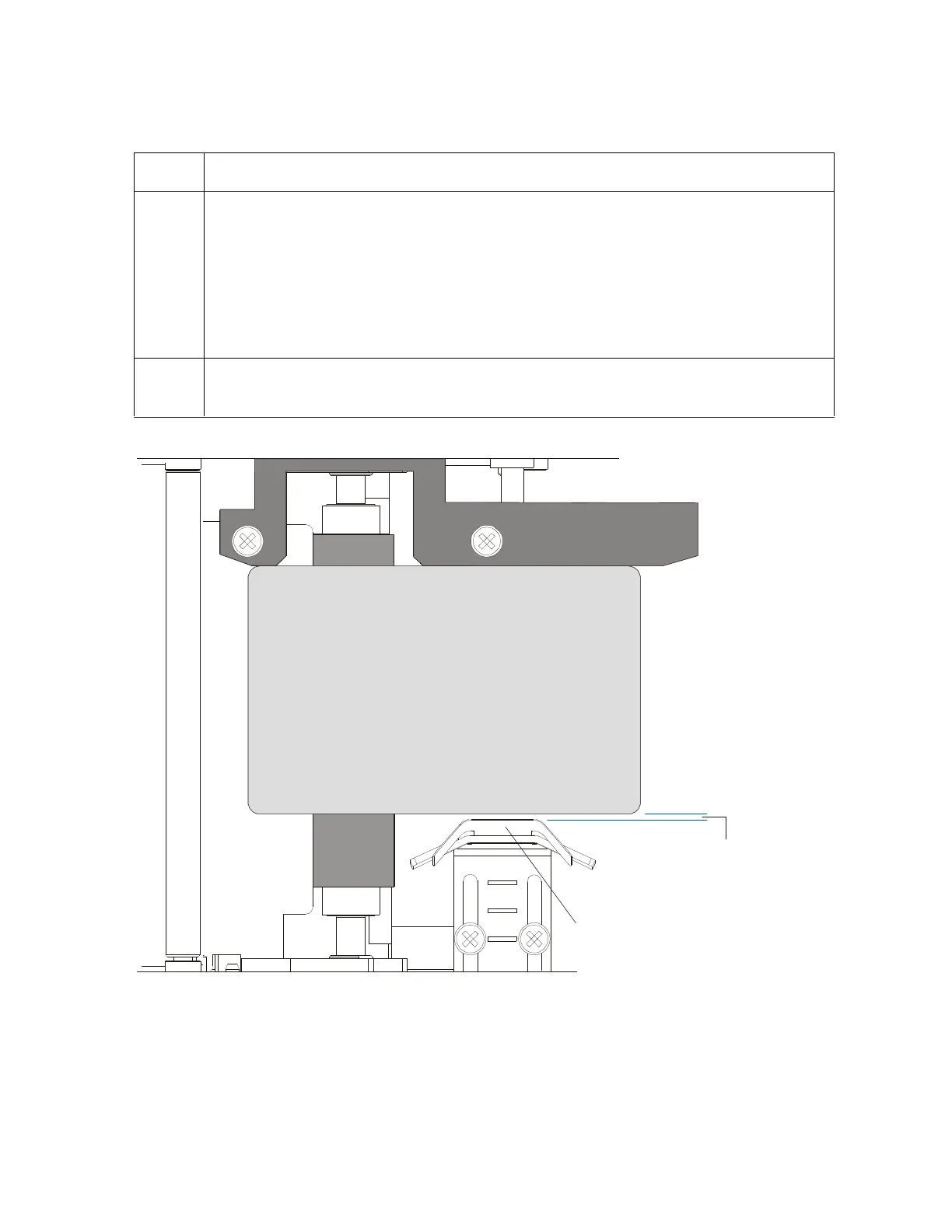
7 Once the adjustment is complete, be sure that the card is not binding between
the Card Guide Rail and the Internal Card Guide. (Note: Depending upon how
much you adjusted the Card Guide Rail, you may also need to adjust the Internal
Card Guide.)
When both are adjusted properly, there should be a slight space of about
.010"/.25mm between the card edge and the Internal Card Guide as indicated
here:
8 If necessary, adjust the Internal Card Guide as described in the remainder of this
section.
space
CR100
CR90
CR80












 To Next Page